
1. Go to playfootball.com.au. Sign in to your Football Network account

Once you sign in, your name will appear in the top-right hand corner. Please hover over your name and select, 'My Account' again.
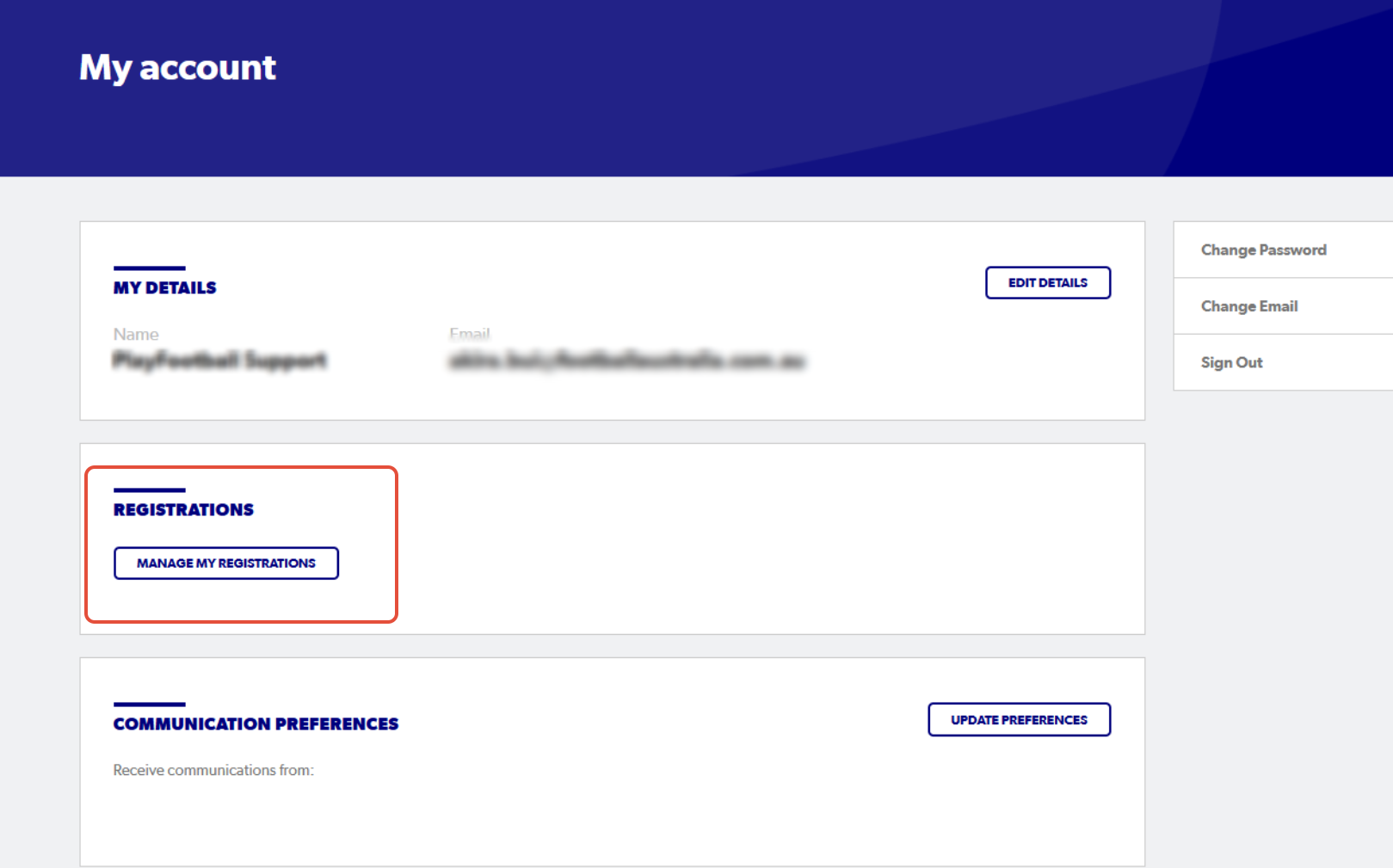
2. Select 'Manage My Registrations'
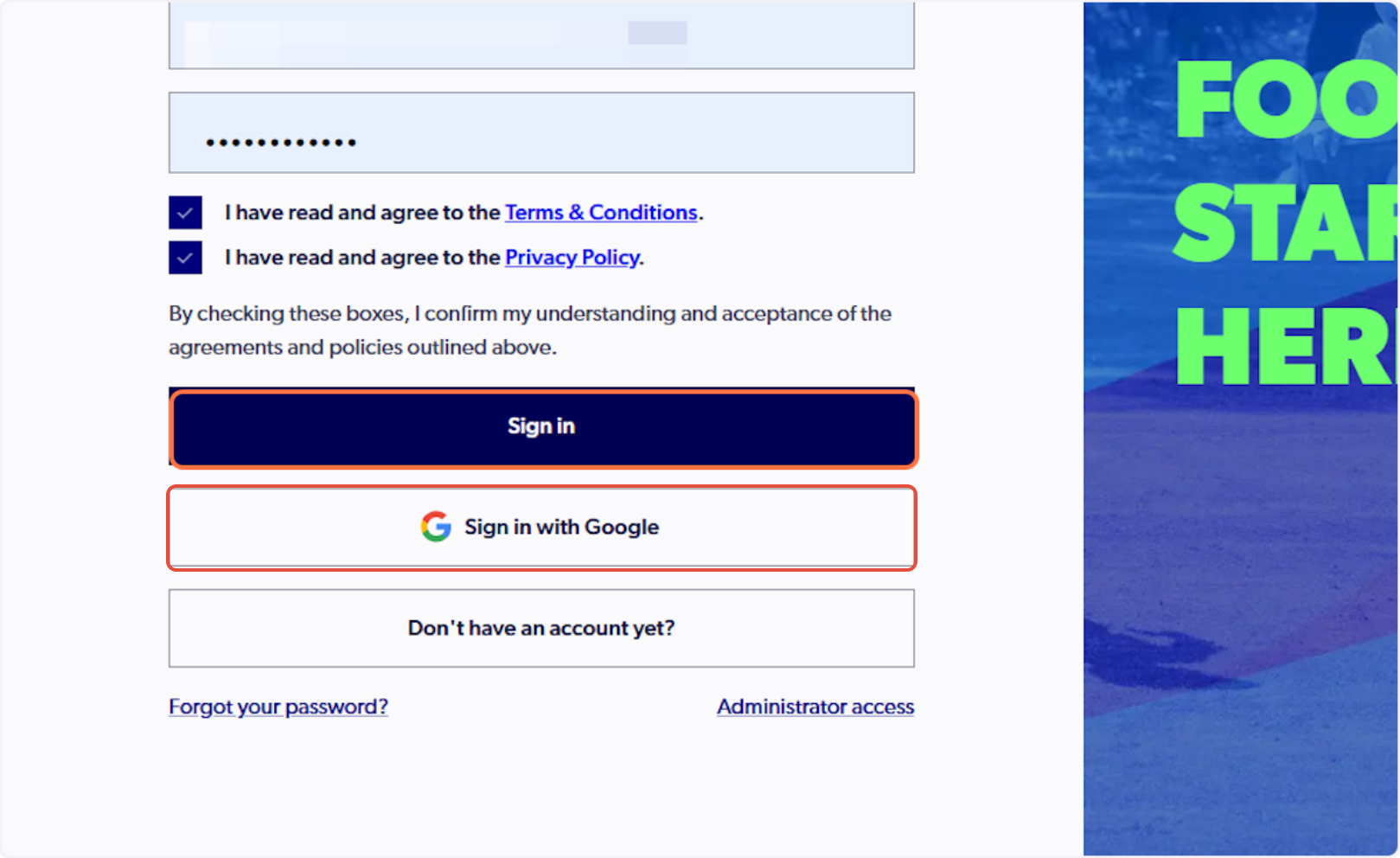
3. Sign in to PlayFootball
Please note: if you have created your account using Google, you must select 'Sign in with Google'
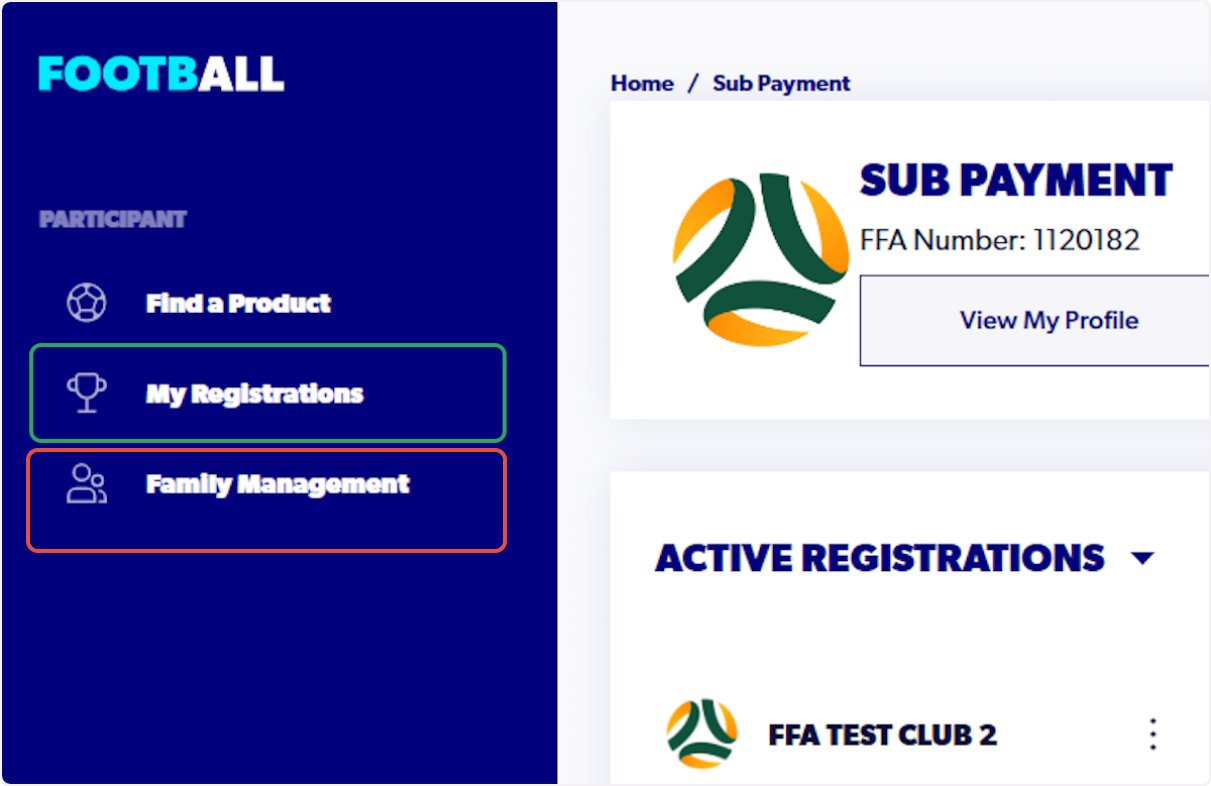
4. Select 'My Registrations'
If you need to upload a WWCC or WWCC exemption to a linked family member's profile, please see the support article HERE.
5. Click 'View My Profile'

6. Click 'Supporting Documents'

7. Click 'Add New WWCC'

8. Click 'Select a state' and choose the appropriate option

9. Select 'Type of Check' and choose the appropriate option

10. Enter your WWCC 'Card Number'

11. Enter your 'Issue date'

12. Enter your 'Expiry date'

13. Click 'Upload a Working with Children Check Document'


14. Upload your Working with Children Check Document

15. Click 'Upload file'

16. Click 'Add Working with Children Check'

17. Your WWCC details will appear as 'pending' until it has been cited and approved
