
Please follow the steps below to obtain access to the Learning Centre. If you have any issues, please email - 'learningcentre@footballaustralia.com.au'.
Proceed to www.playfootball.com.au
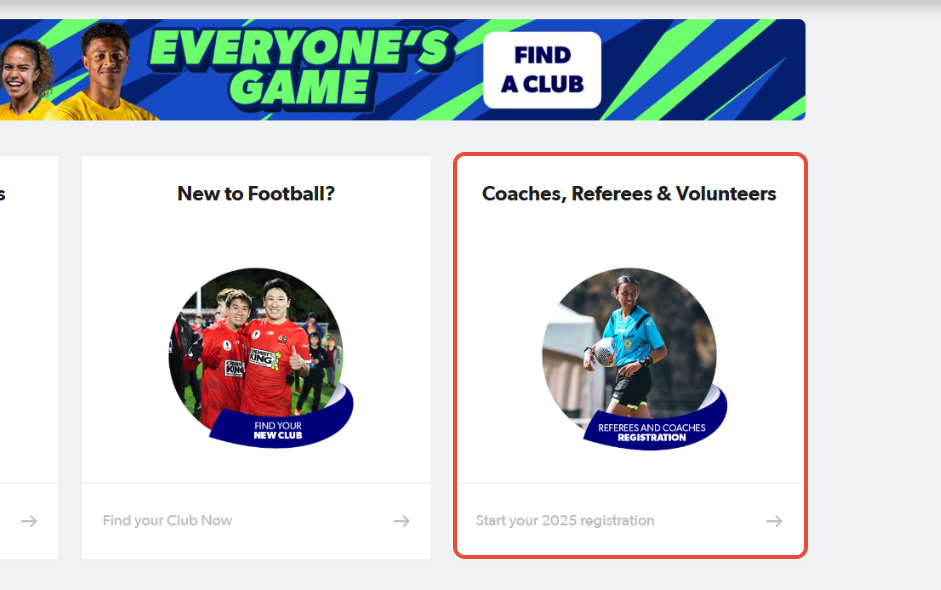
1. Click on Coaches, Referees & Volunteers
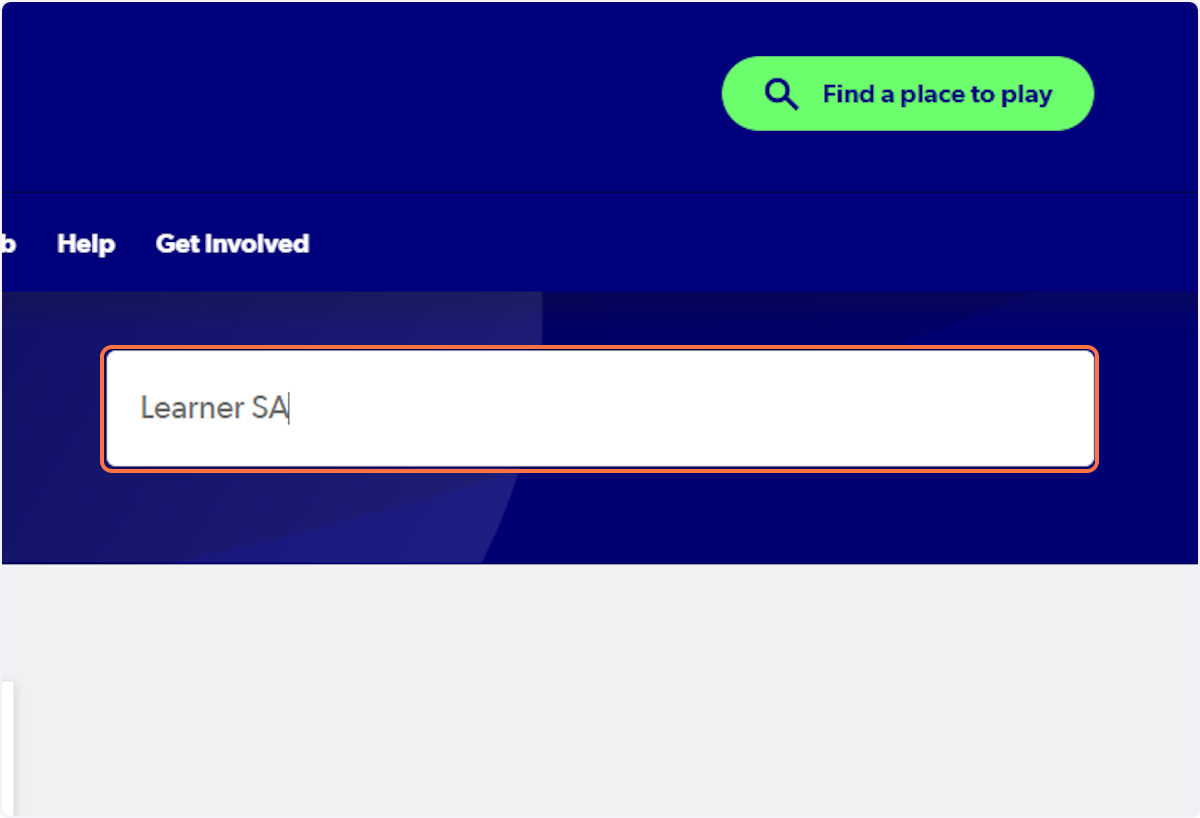
2. Type "Learner SA"
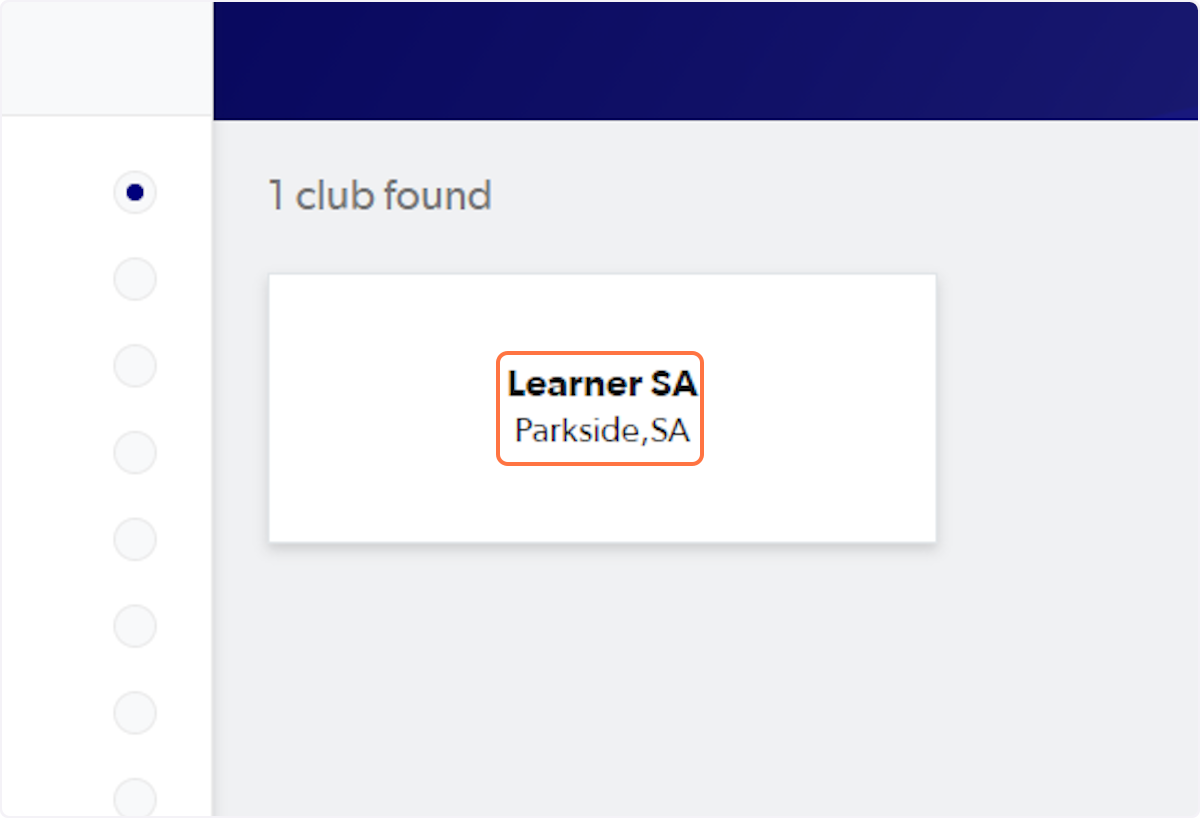
3. Click on Learner SA…
4. Type in your log in details (email and password)
If you've previously logged in using Google Social, please log in using the Sign in with Google option.
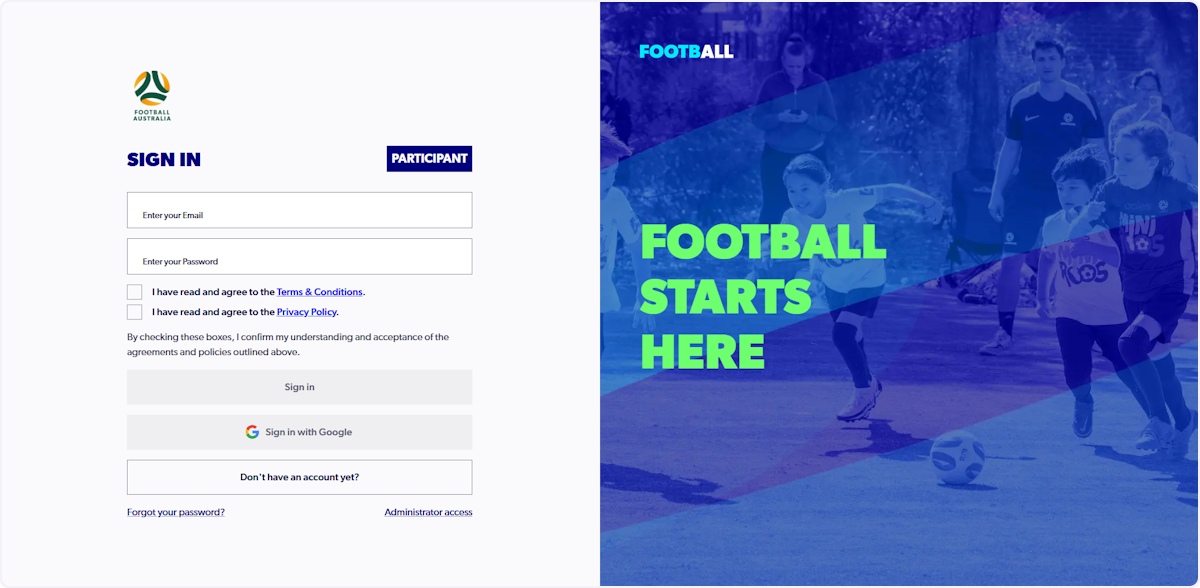
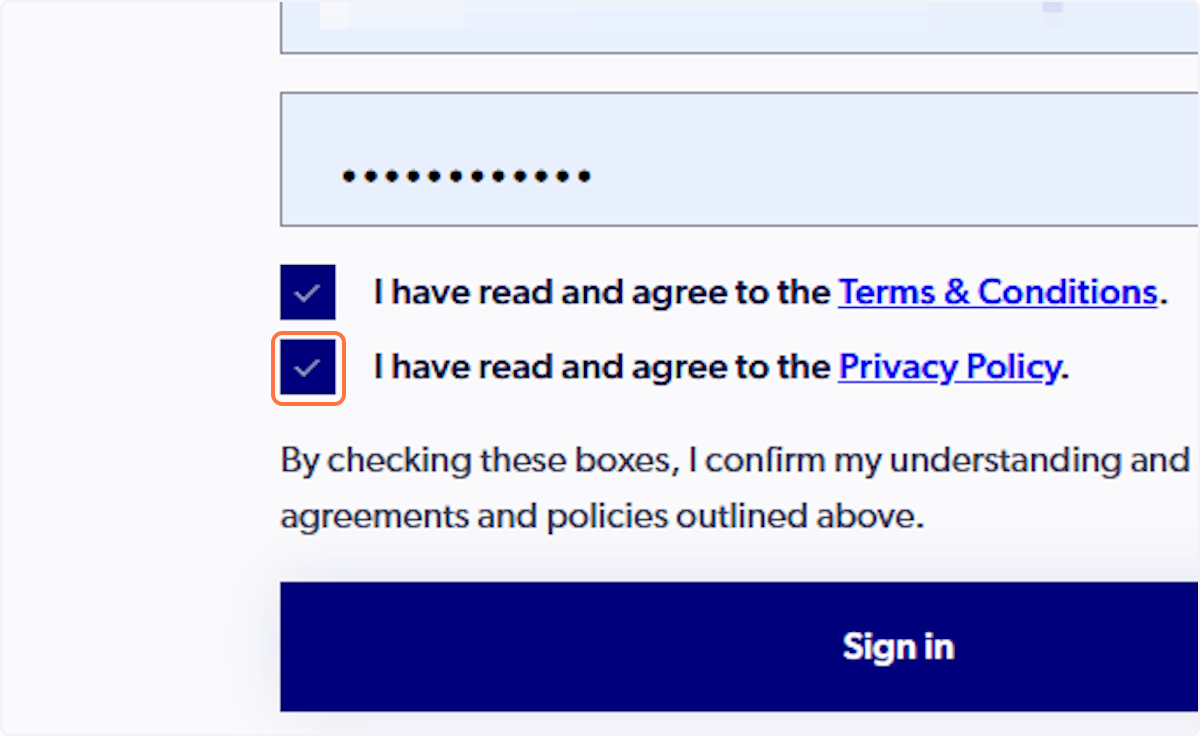
5. Check I have read and agree to the Terms & Conditions and the Privacy Policy.
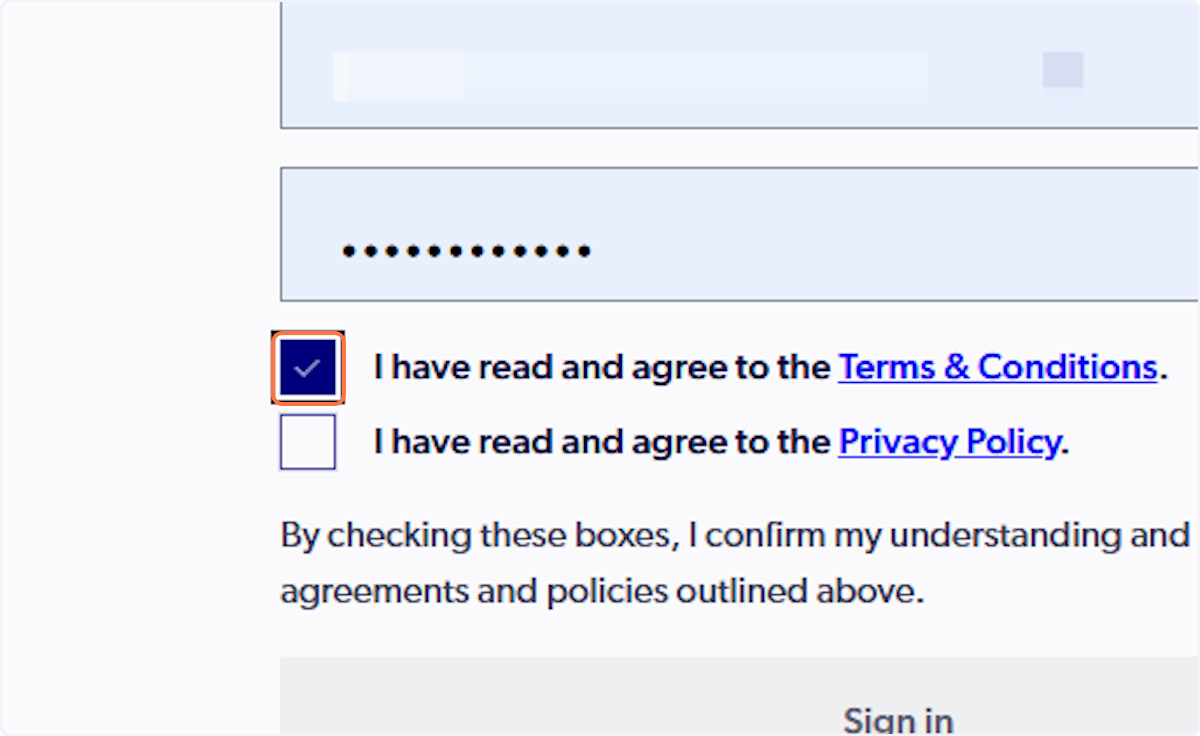
6. Select 'Sign In'
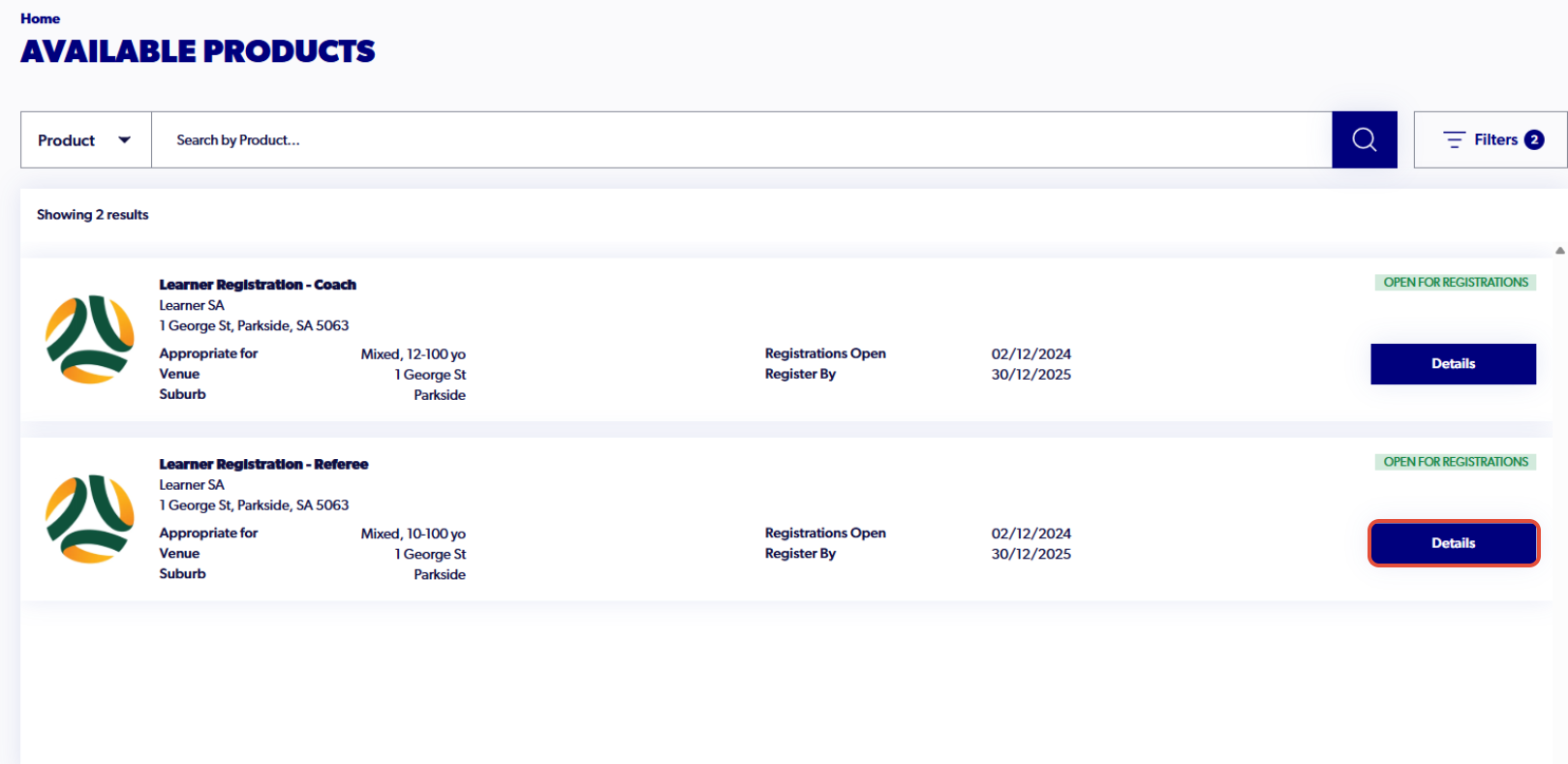
7. Find Learner Registration - Coach and click on 'Details
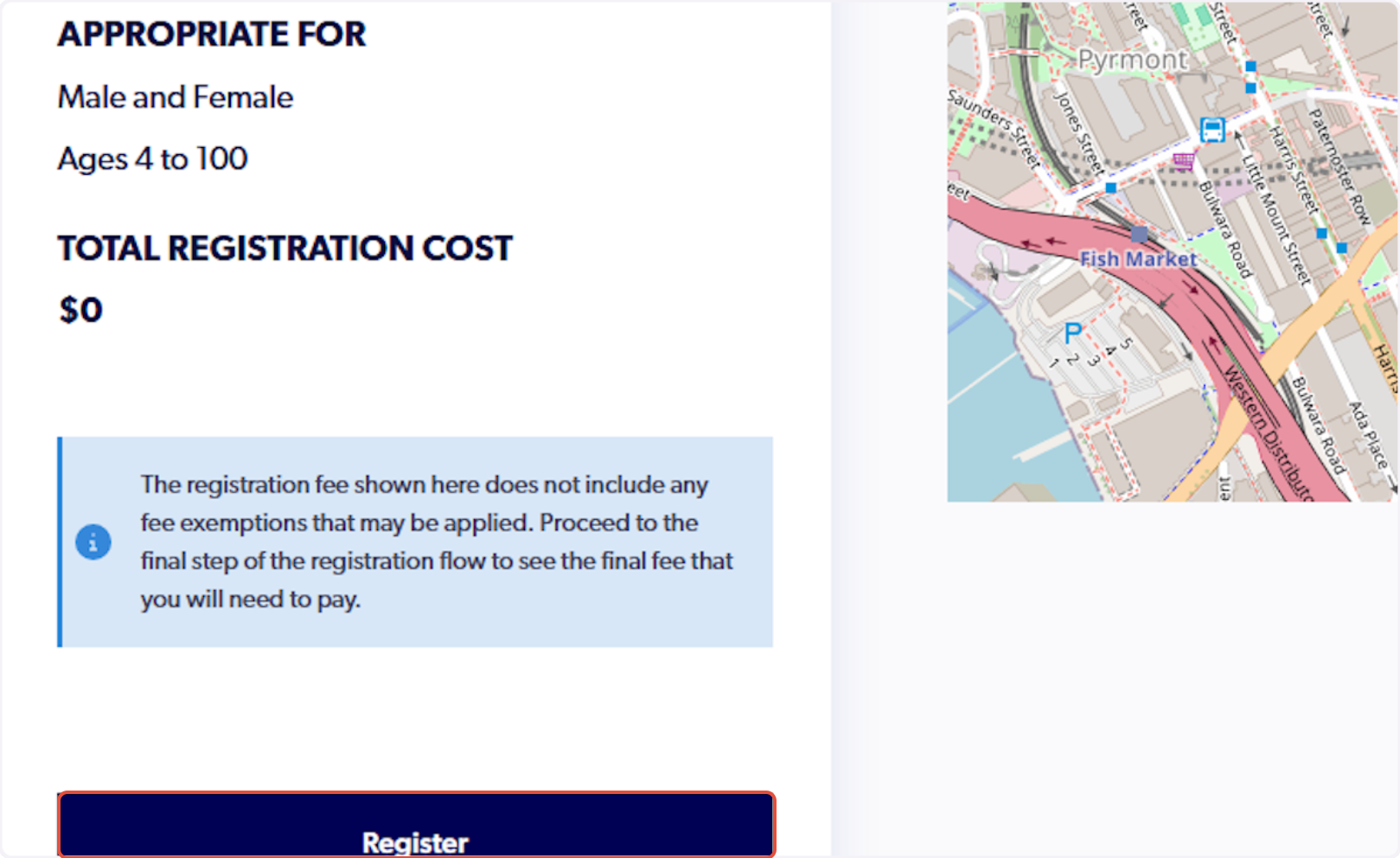
8. Click on 'Register'
9. Select Myself or Someone Else to find the participant that you are registering
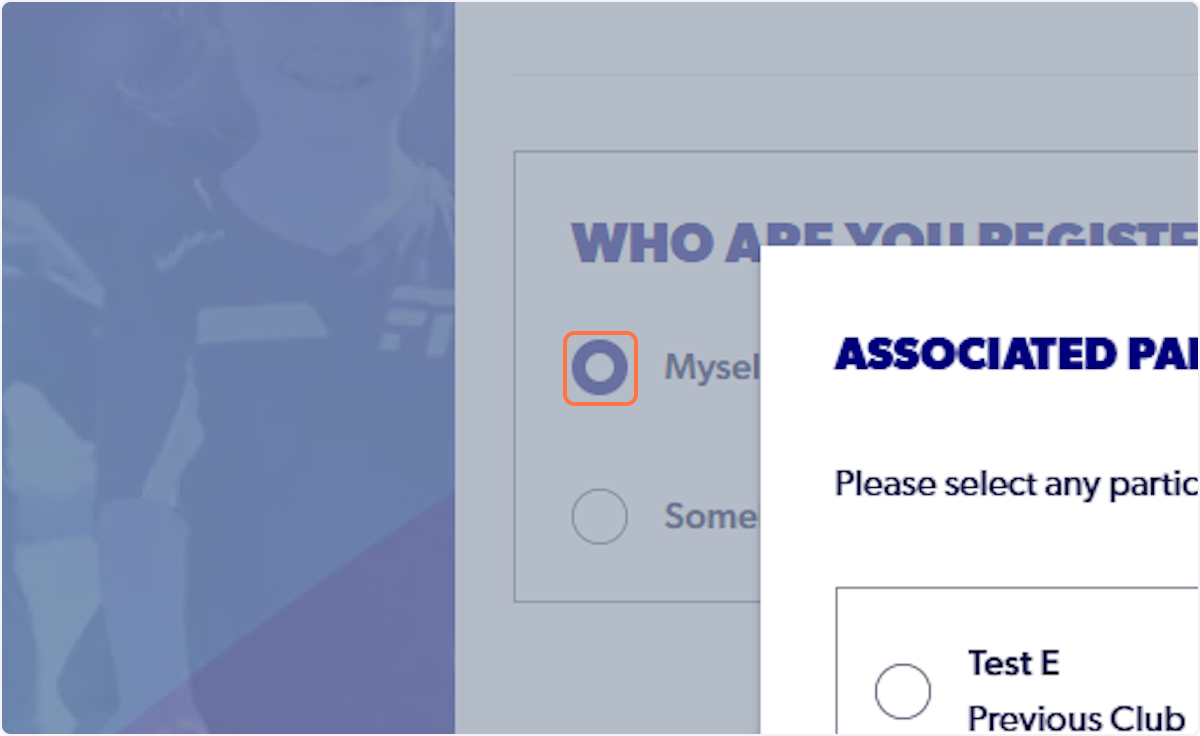
10. Select the participant.
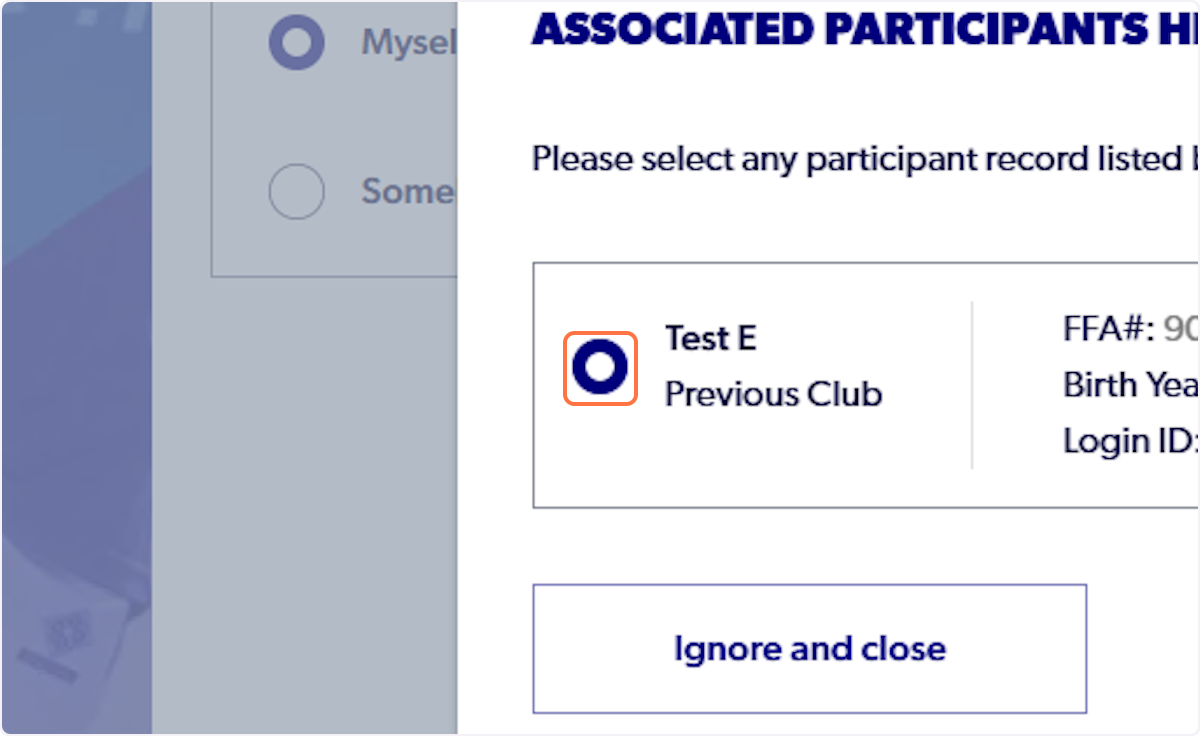
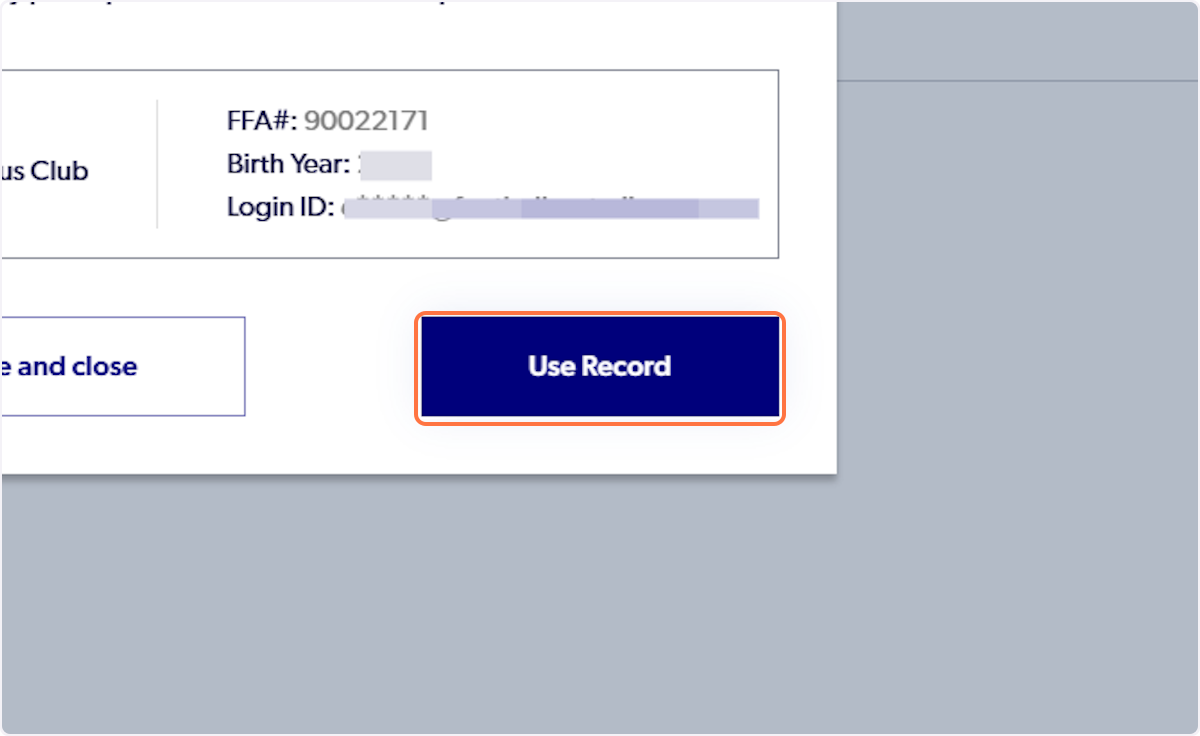
11. Click on 'Use Record'
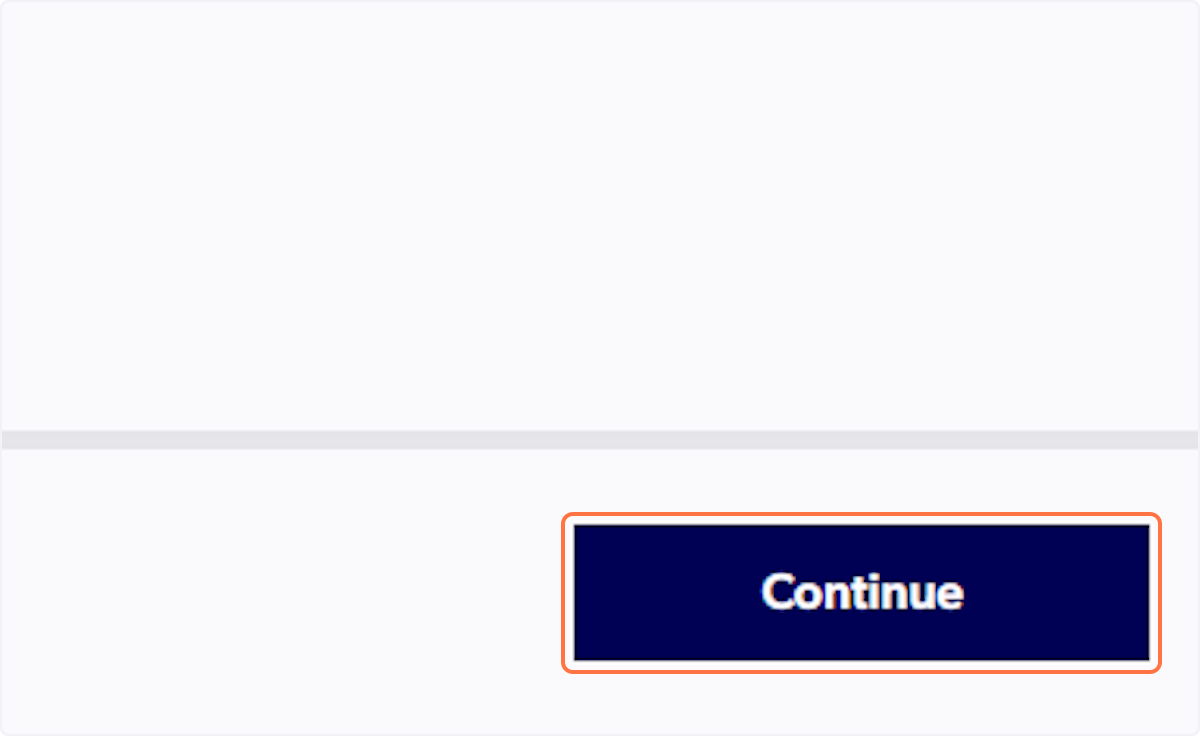
12. Click on Continue
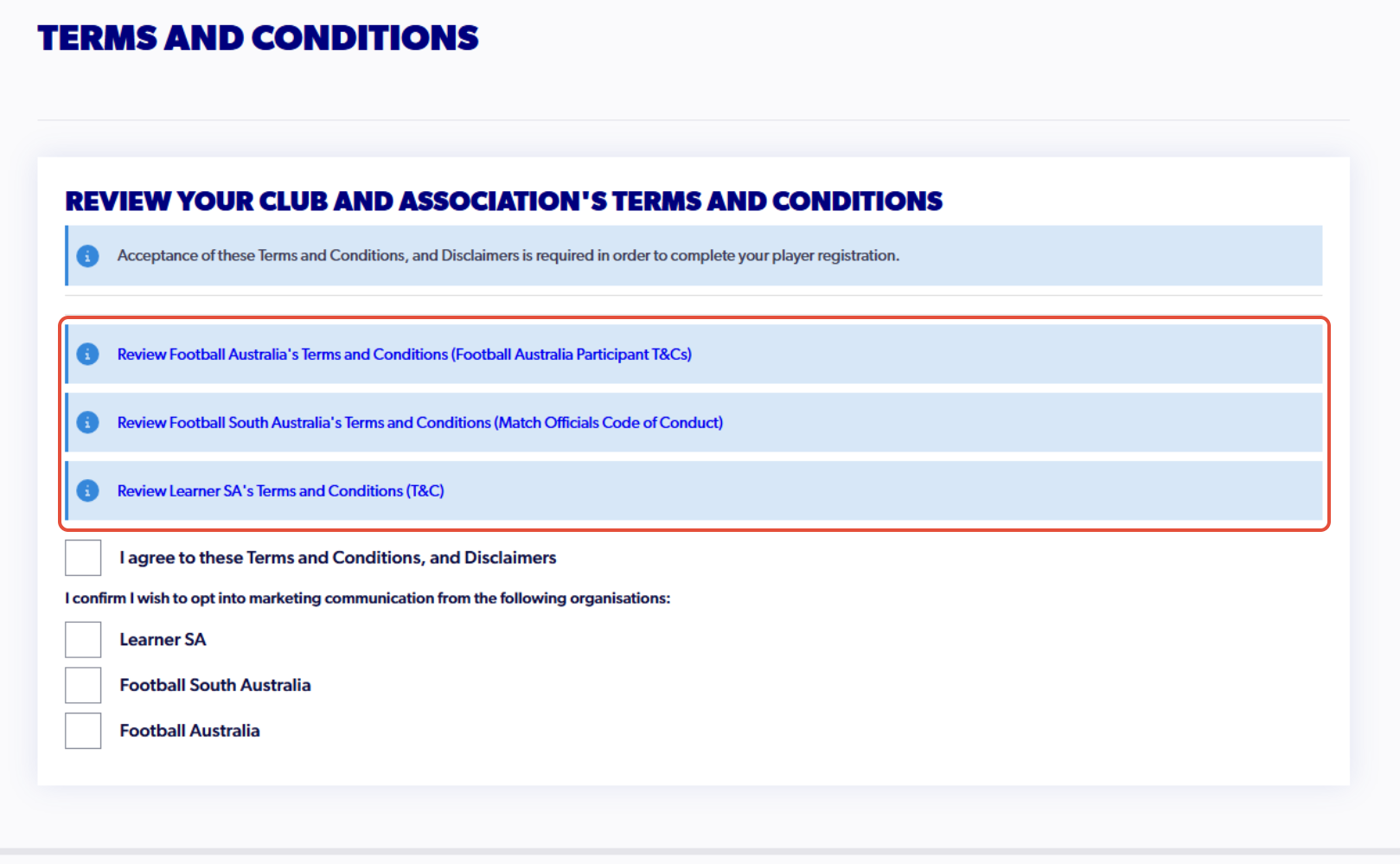
13. Click on each of the 'Terms and Conditions'
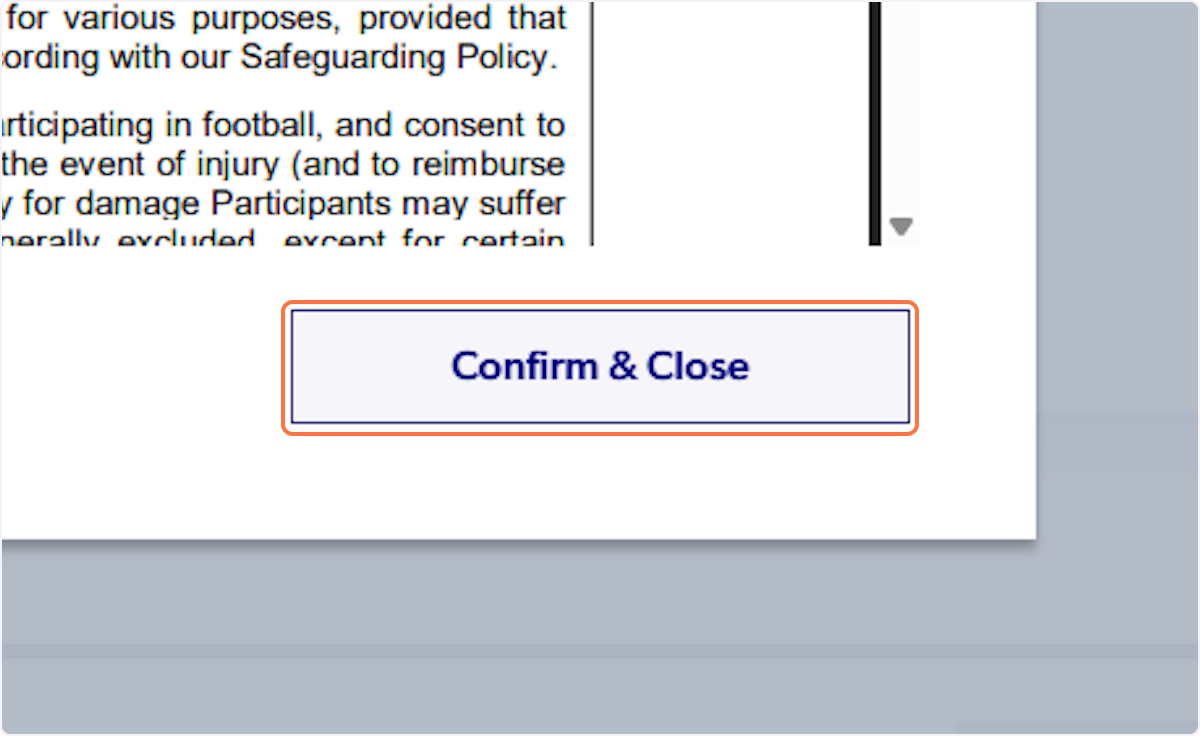
14. Click on 'Confirm & Close' (repeat for each of the terms and conditions)
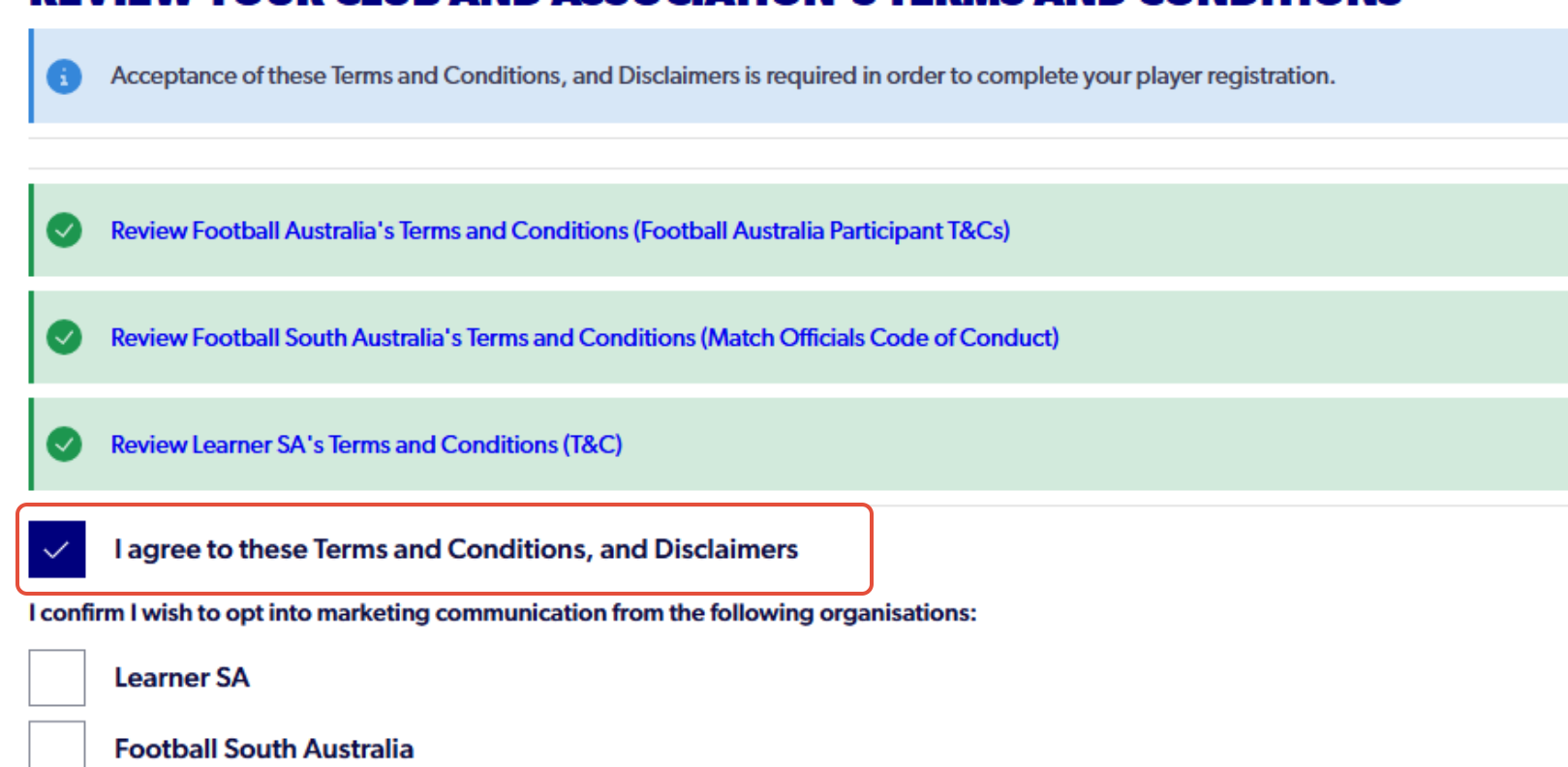
15. Check 'I agree to these Terms and Conditions, and Disclaimers'
16. Click on 'Continue'
17. Click on Start
18. Fill out all the questions in the form for each step
On Step 3 'Contact Details,' please use a unique email address for the participant. This will be used to create the Learning Centre account.
19. Click on Confirm and Pay when you reach the review page
20. Click on Confirm and Pay Registration
21. Click on Submit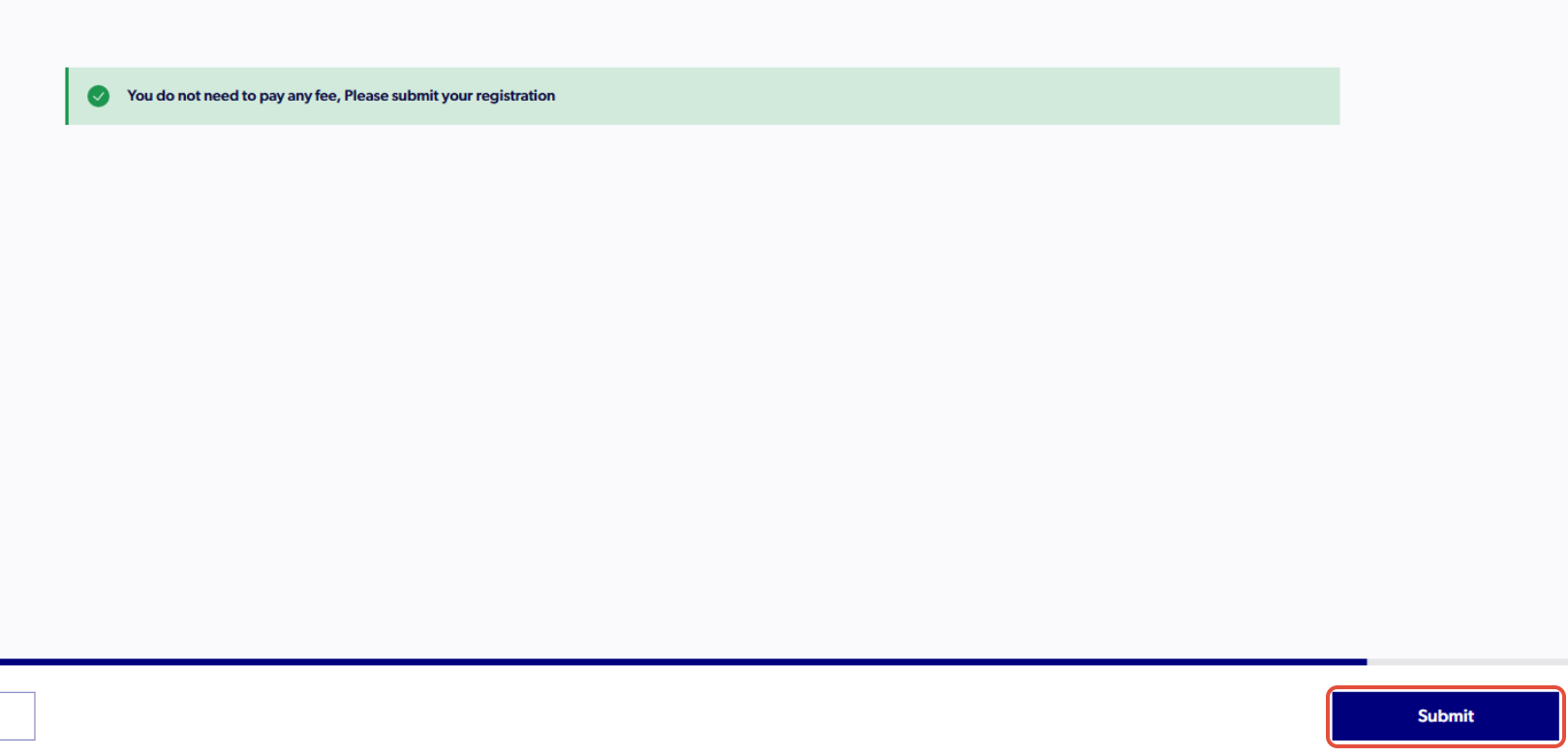
22. Finish Registration
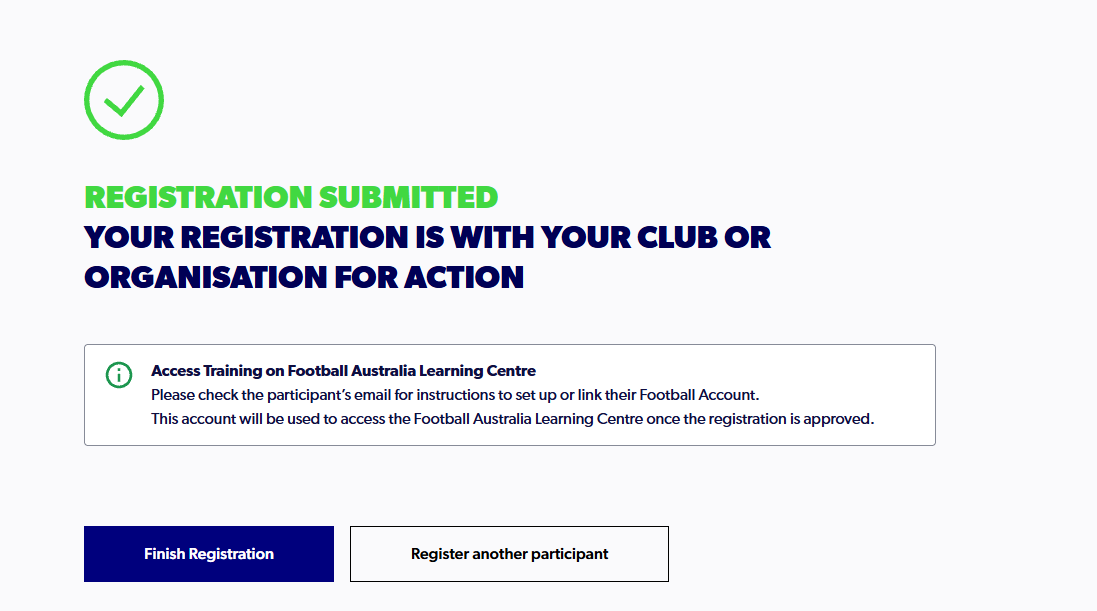
ℹ️ Note: Football South Australia will approve your registration and you will be able to log in through Learner (Football Account). The registration should be approved within 48 hours of completion. If you do not receive an onboarding email, please reach out to learningcentre@footballaustralia.com.au
Created with Tango.us