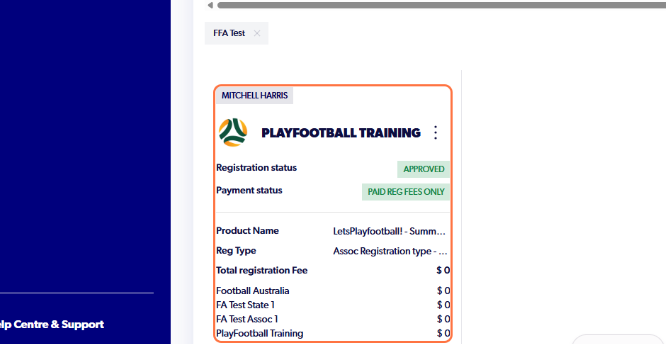
1. Go to playfootball.com.au. Sign in to your Football Network account.
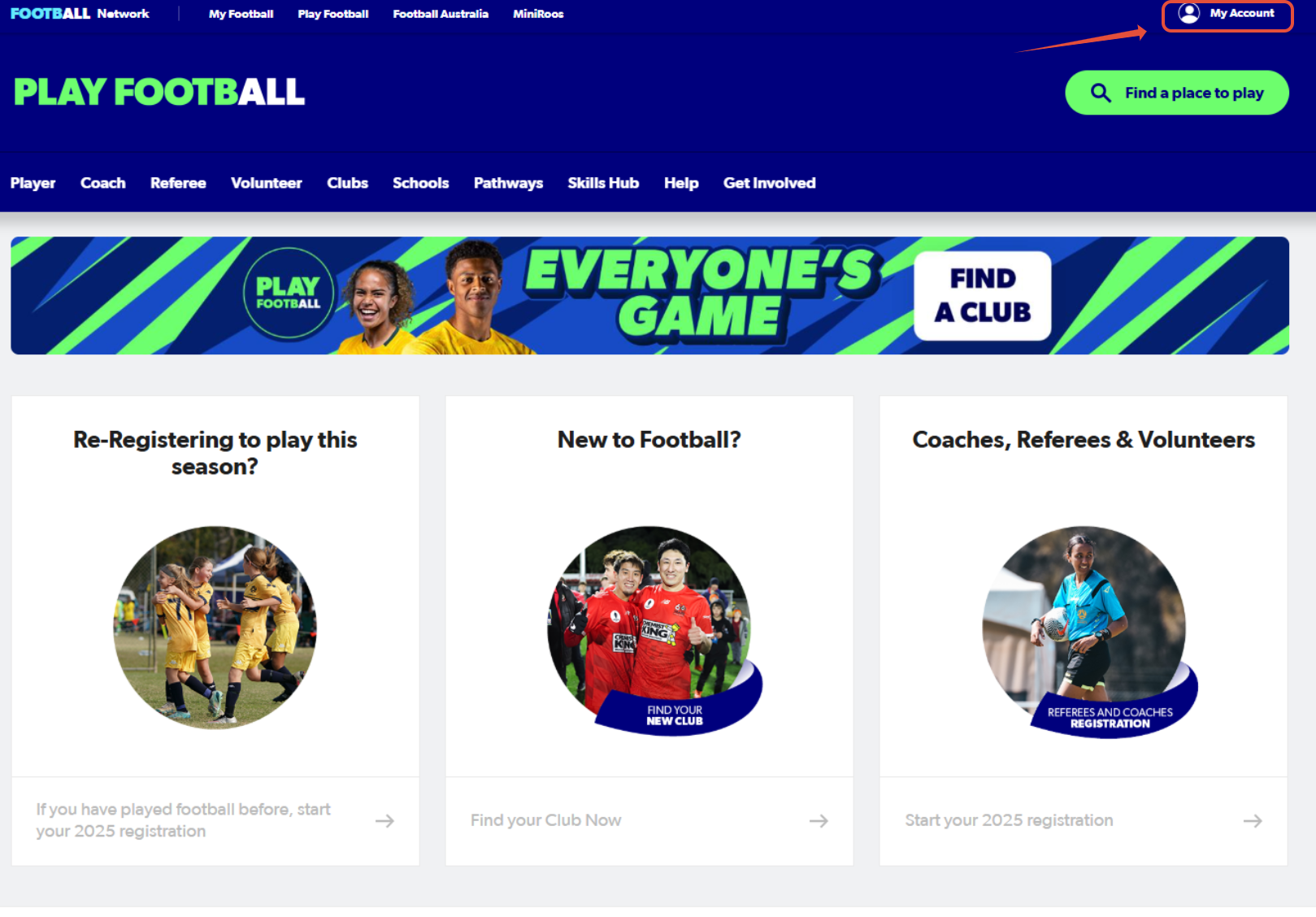
2. Select "Manage My Registrations"
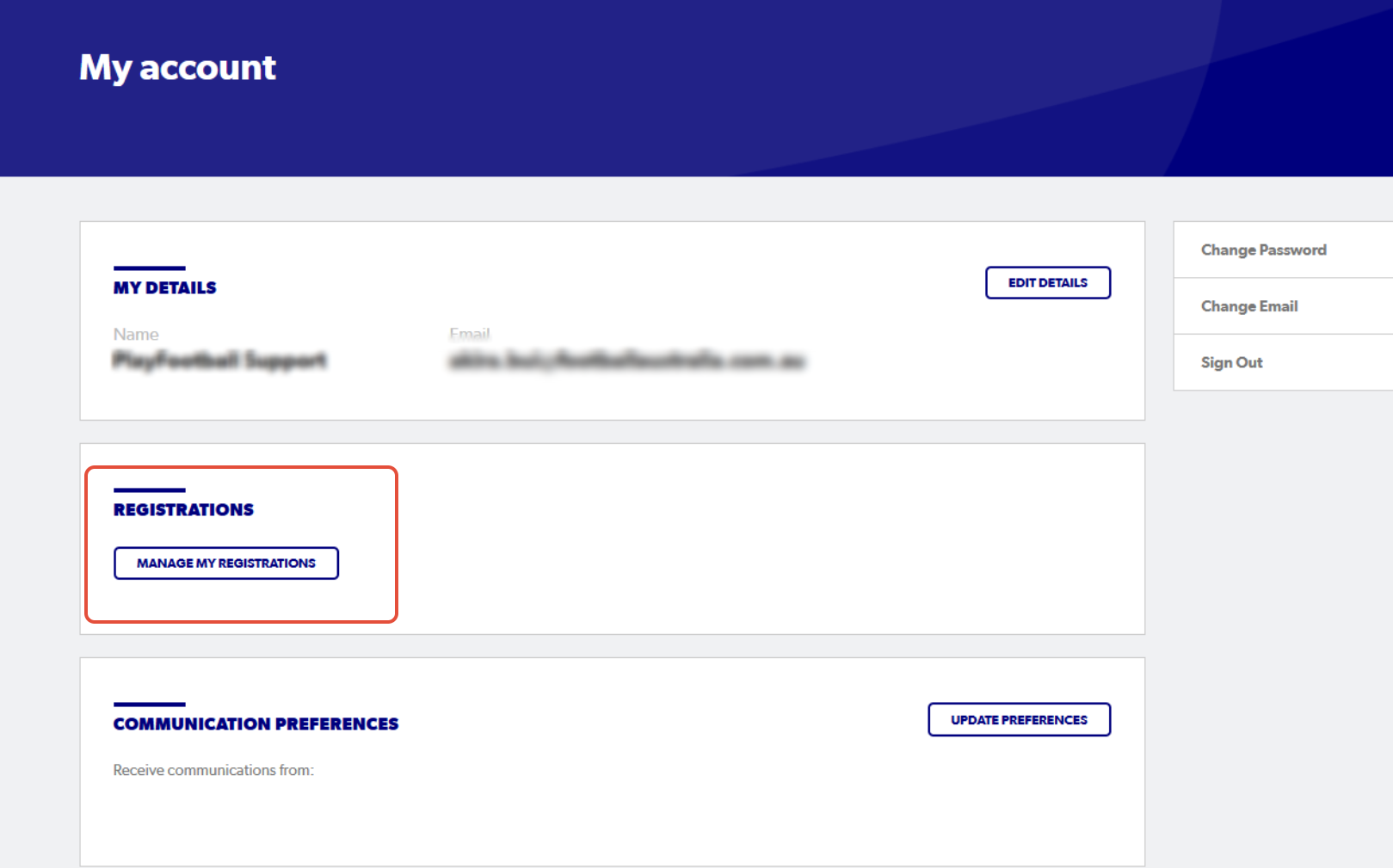
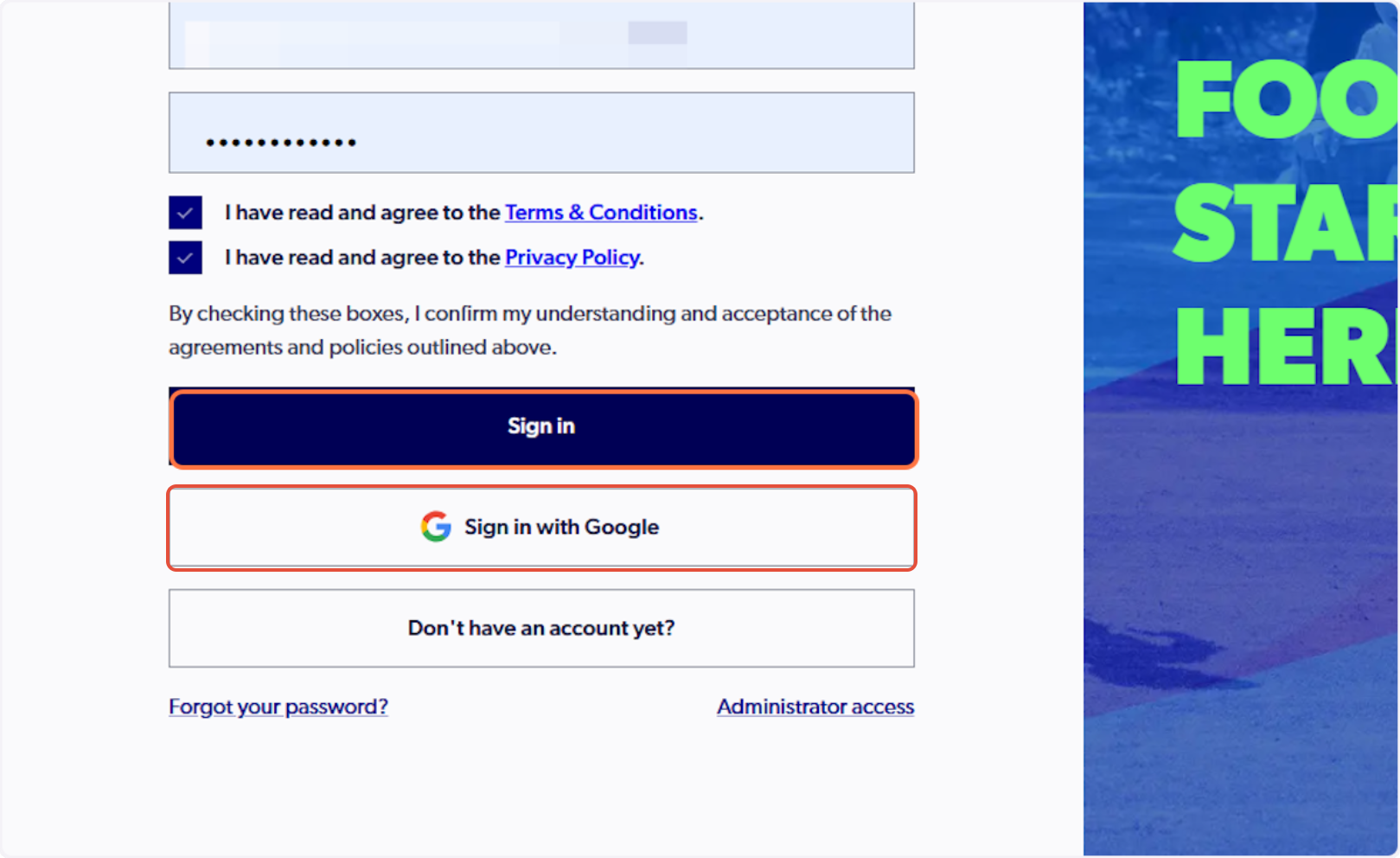
3. Sign in to PlayFootball
Please note if you have created your account using Google, you must select 'Sign in with Google'
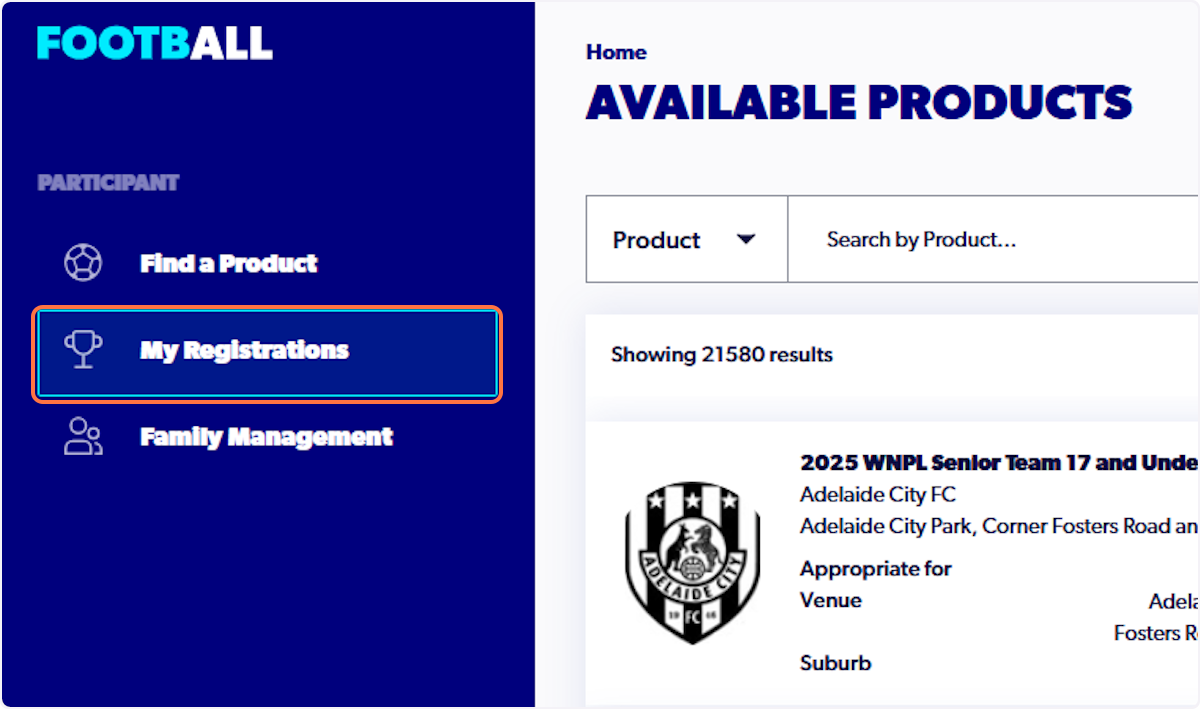
4. Click on 'My Registrations'
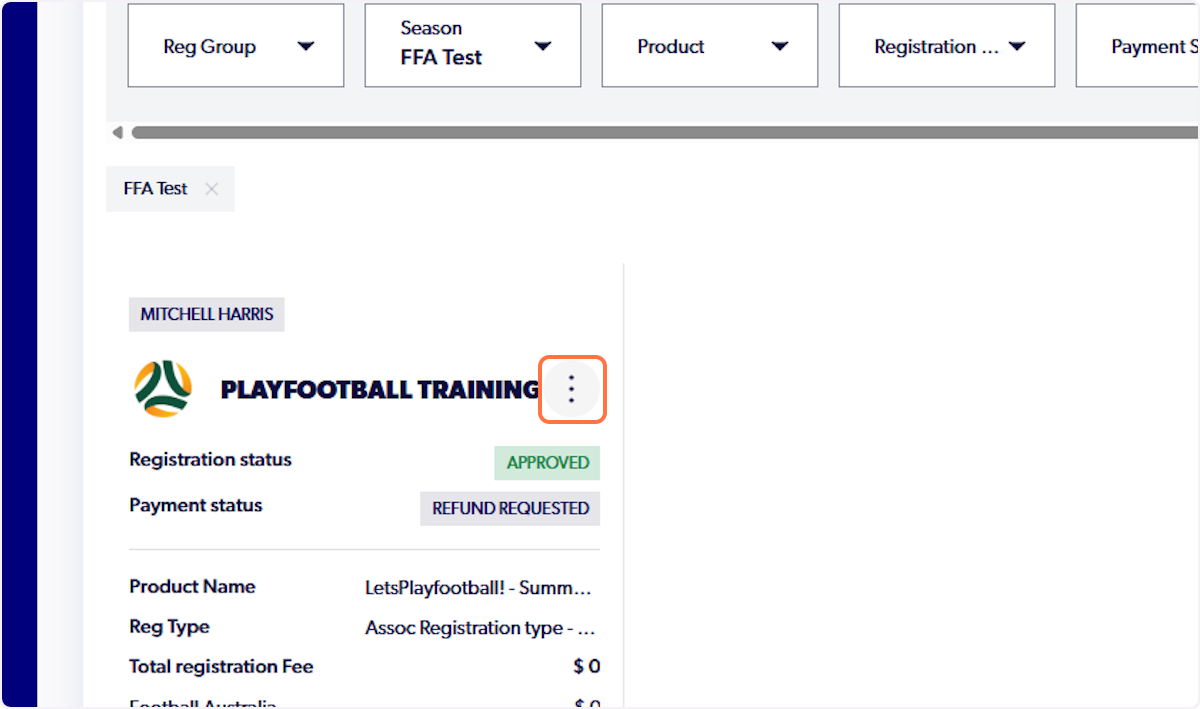
5. Select the 3 dots next to registration that has a refund initiated
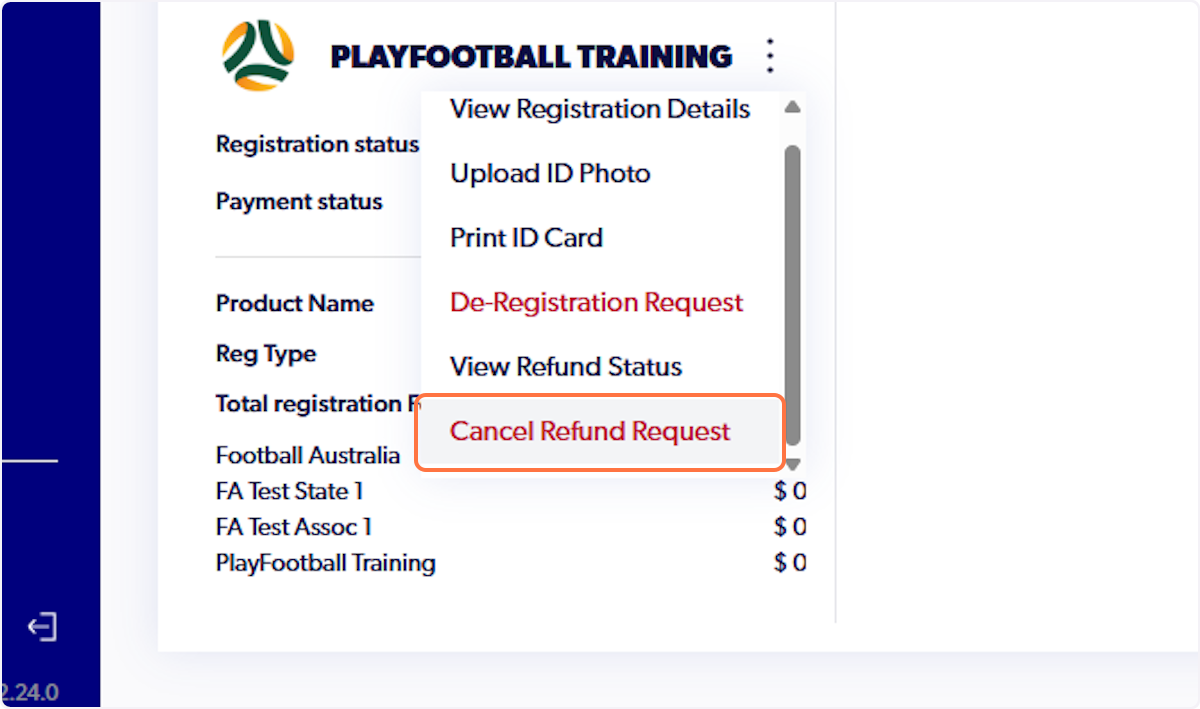
6. Click on 'Cancel Refund Request'
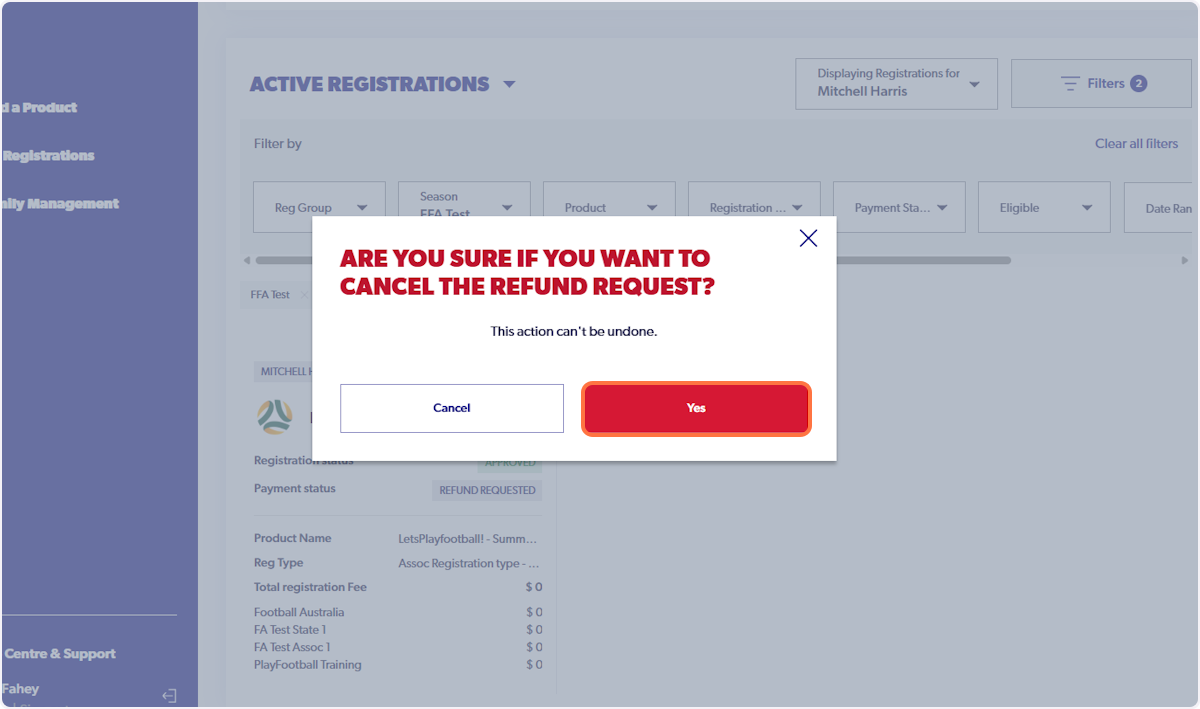
7. A warning will displayed stating that this action cannot be undone
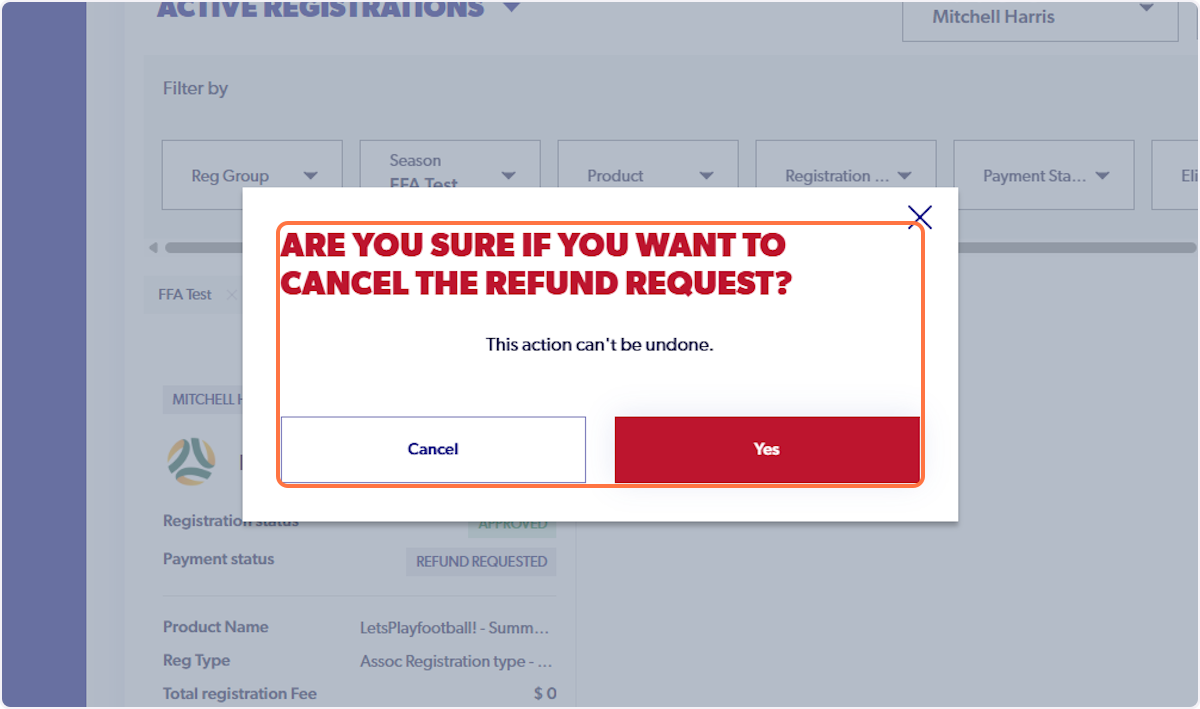
8. Click on 'Yes'
9. The payment status will now revert back to paid