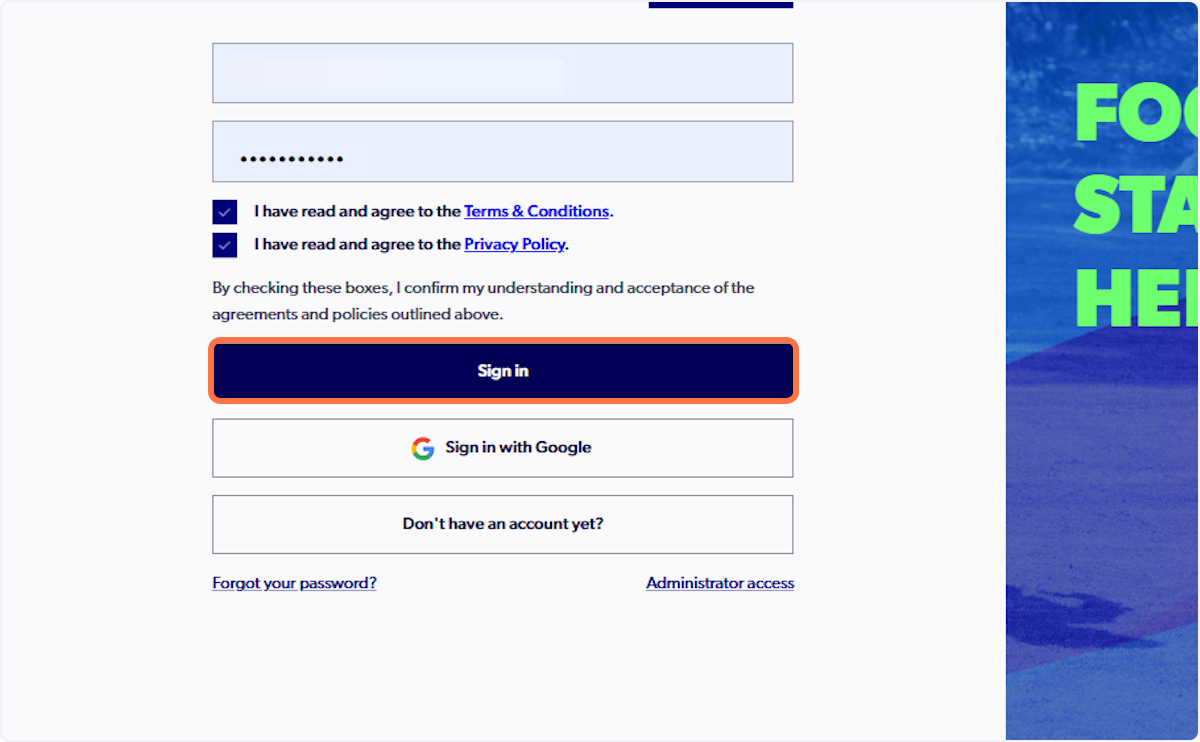
1. Sign into PlayFootball
https://registration.playfootball.com.au/signin
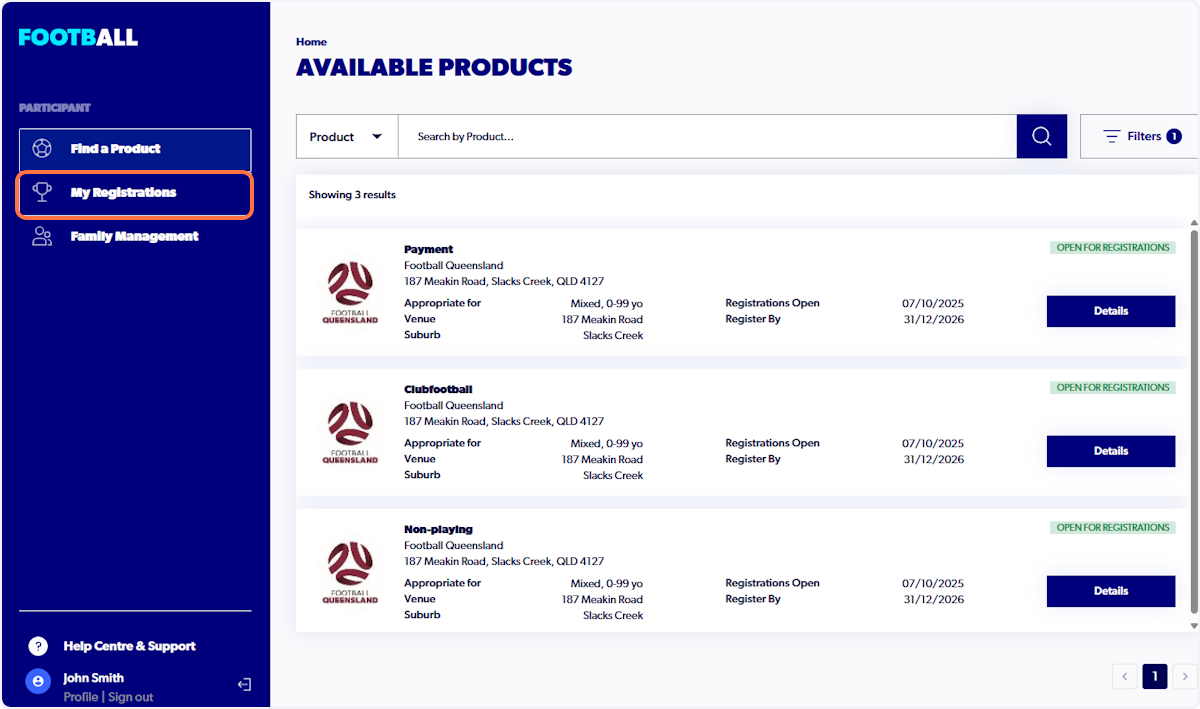
2. Click on My Registrations
If you cannot see the 'My Registrations' tab, skip ahead to step 8.
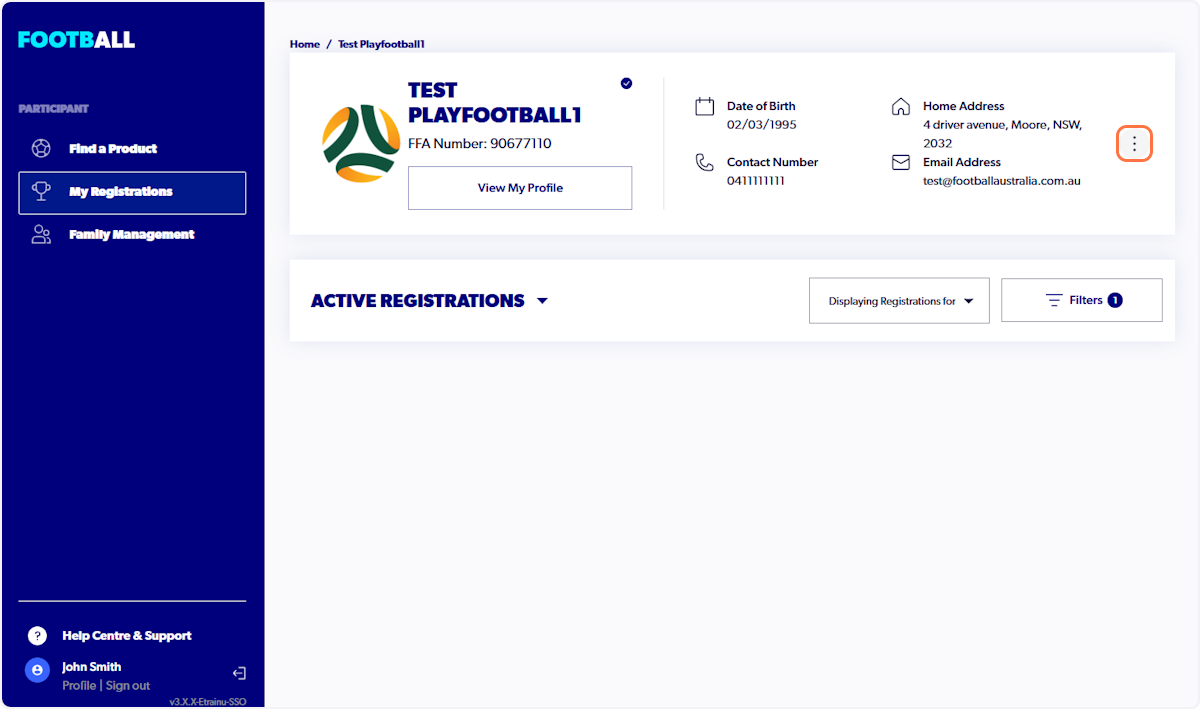
3. Select the three dots
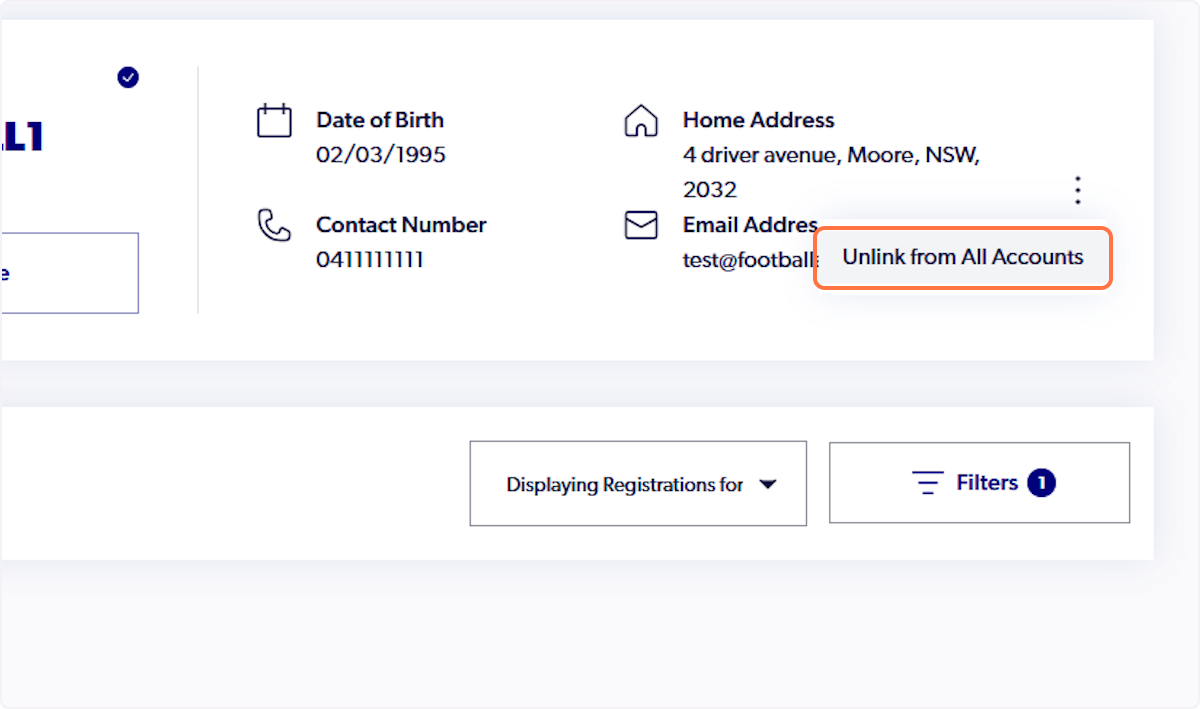
4. Click on Unlink from All Accounts
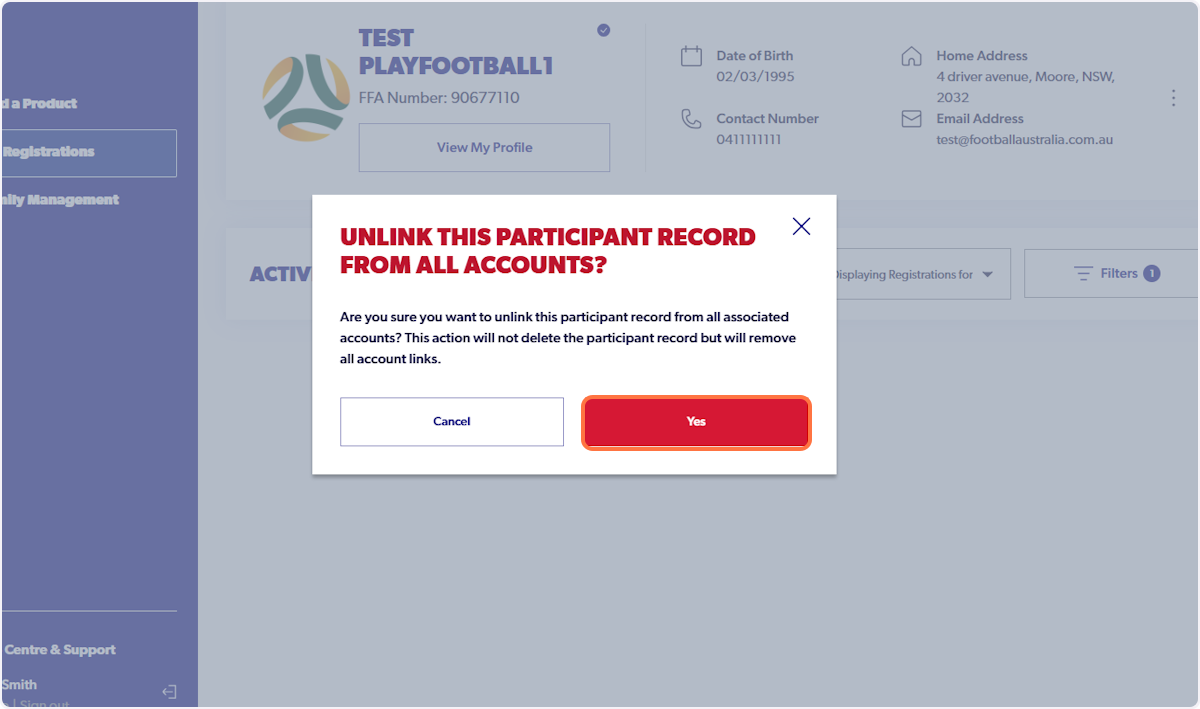
Please note, no registration data or account information is lost during this process.
5. Click on Yes
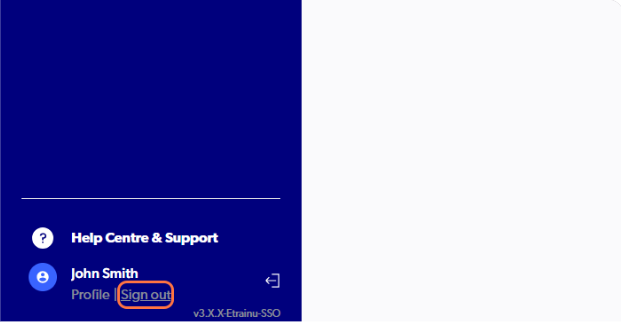
6. Click on Sign out
After signing out and back in, your account will refresh, allowing you to link the correct record.
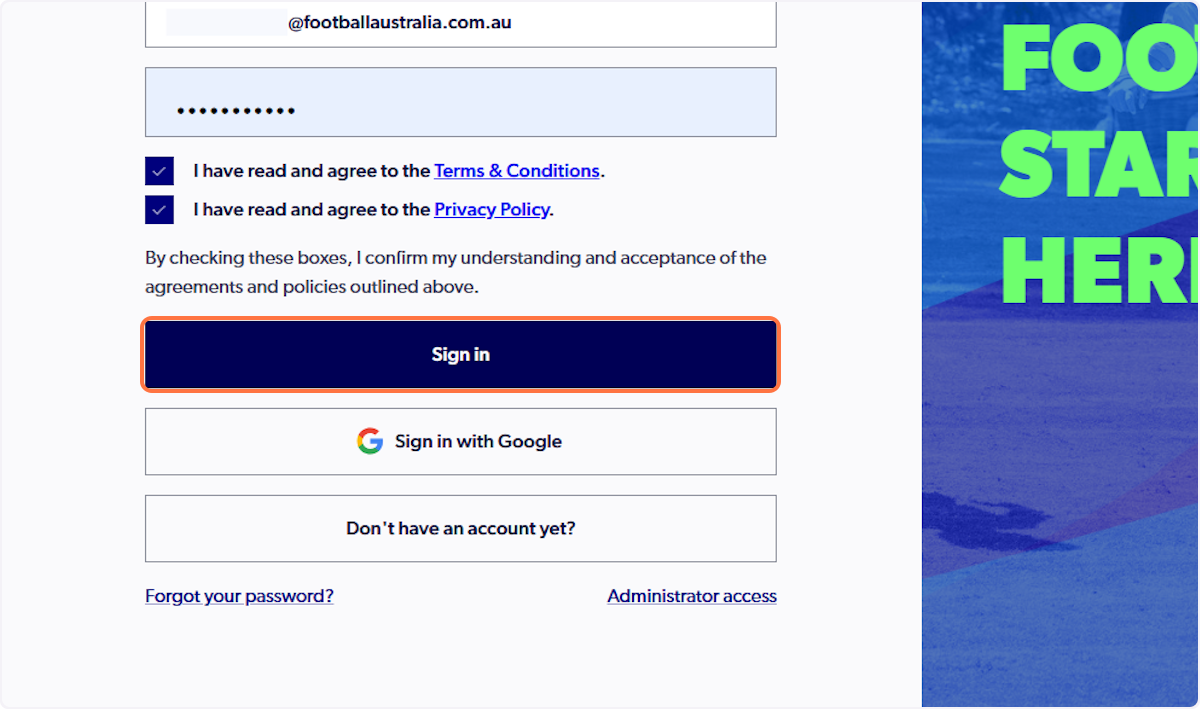
7. Click on Sign in
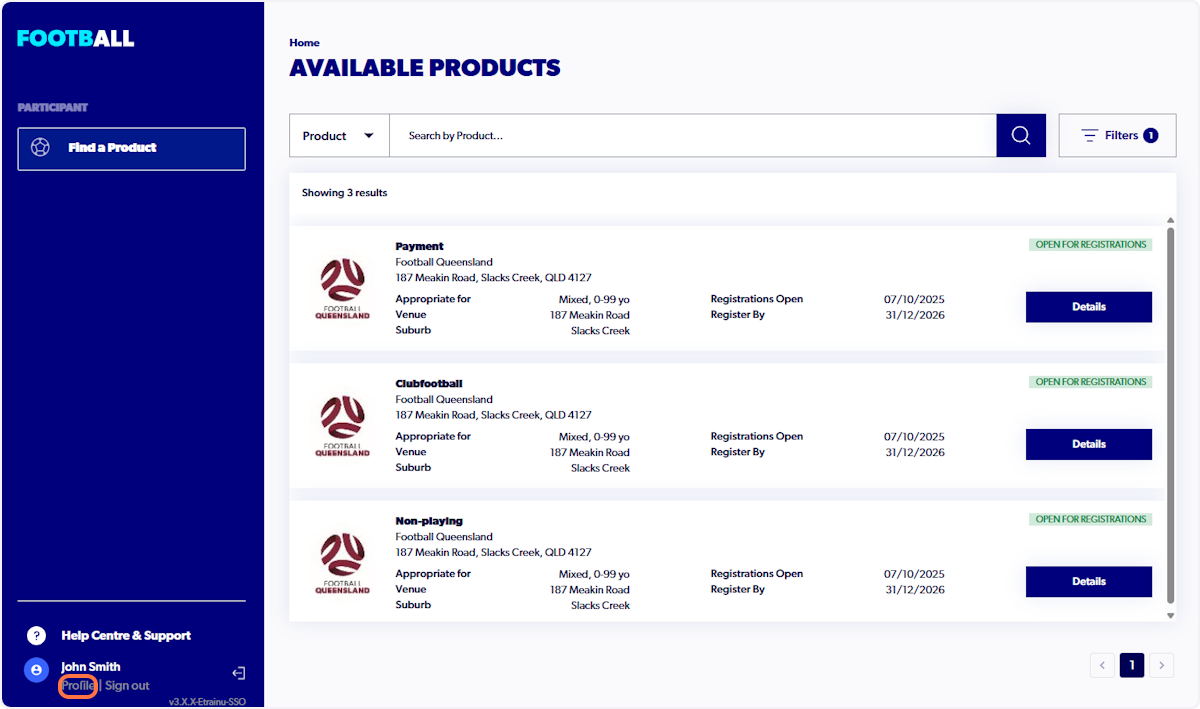
8. Once signed back in, select 'profile' to claim the correct participant record
9. Click on 'Create my participant record'
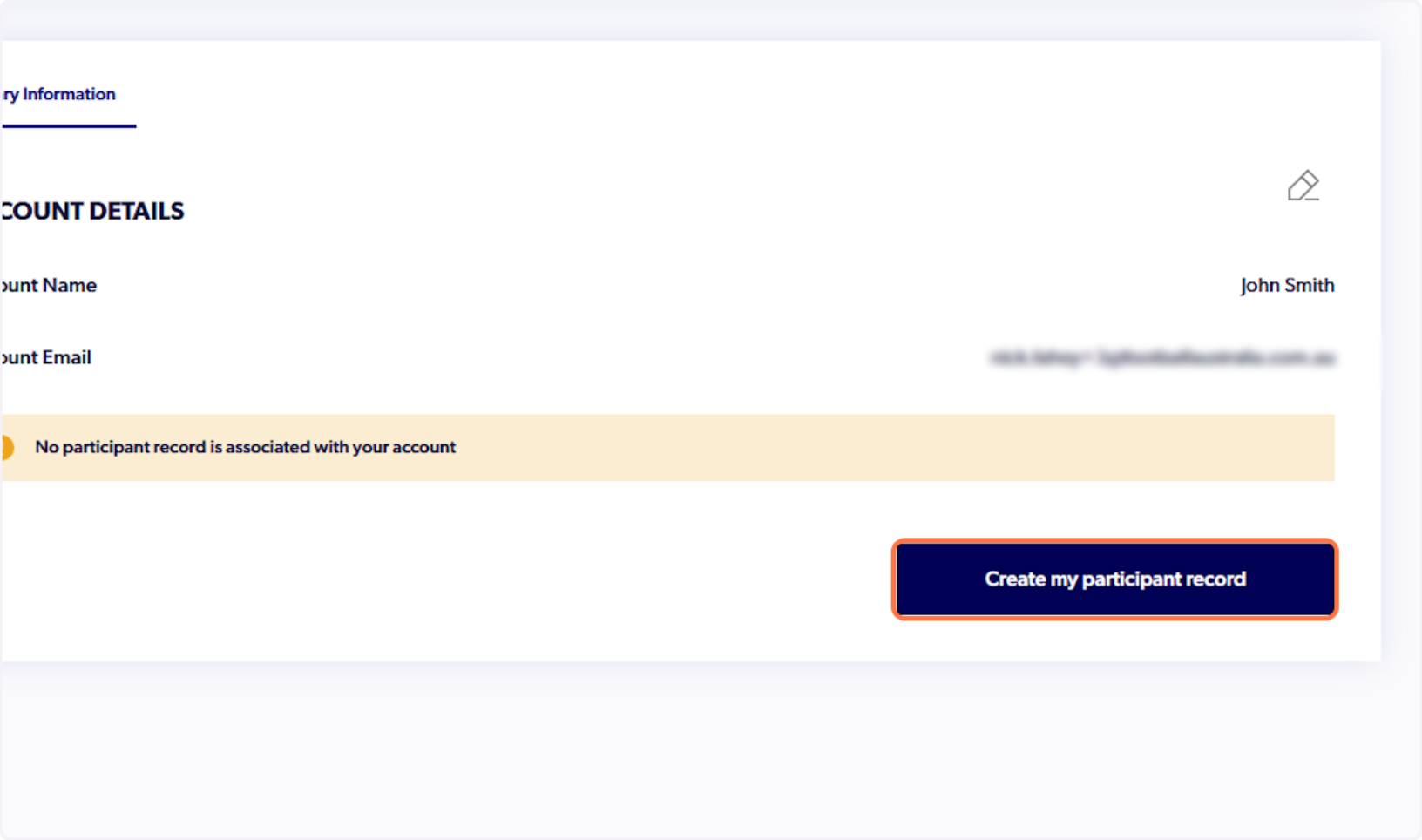
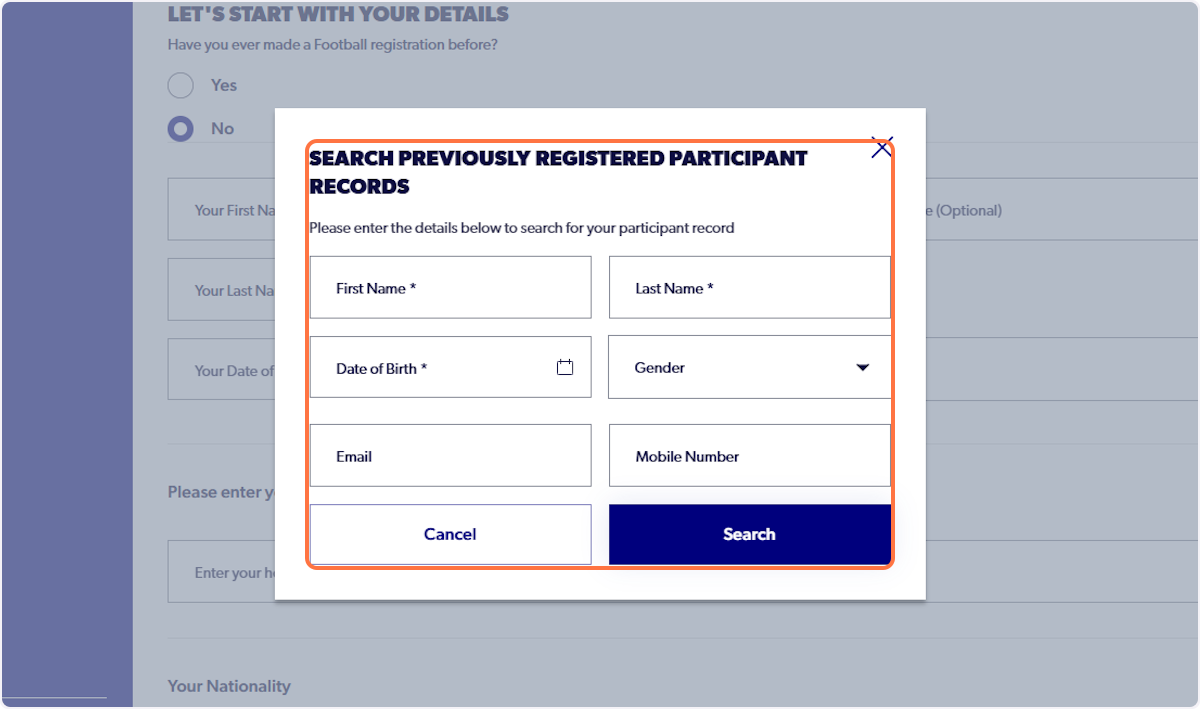
10. Search for correct participant record to link (Only use first name, last name & DOB) or create new if not previously registered
This record will become the primary account holder of the account.